70 Matrox Extio 3 Series – User Guide
2
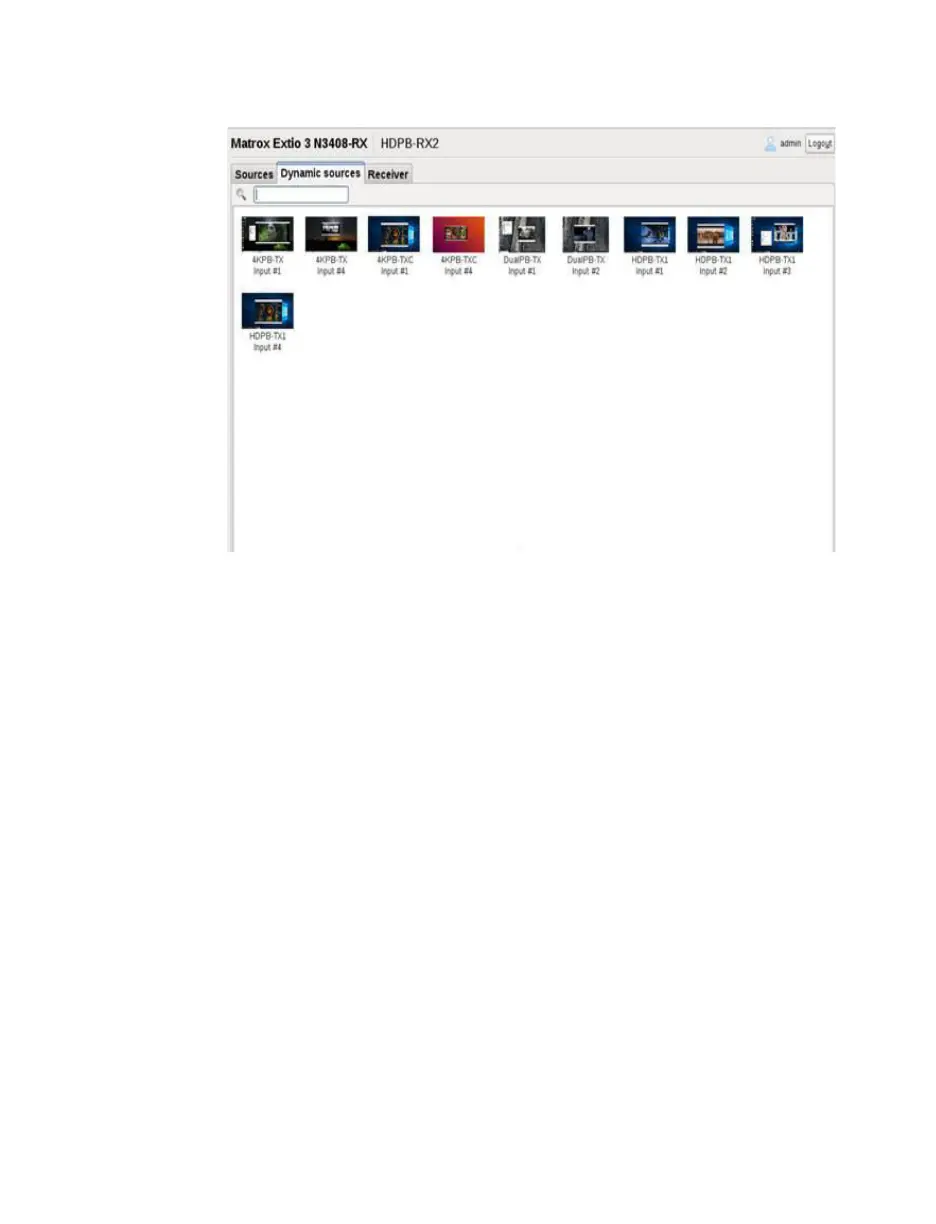
Select a target stream. (To find a specific stream from a large list, use the search box on
top to filter.)
3
To switch to the transmitter associated with the stream, click
Connect
(or, double-click
the target stream). The selected stream is now displayed on the monitor assigned with
dynamic sources.
Specify keyboard shortcut for dynamic sources
To enable you to quickly switch between streams, you can assign a keyboard shortcut that will take
you directly to the
Dynamic sources
tab.
1
To d is pl ay t h e
Dynamic sources
tab, from the receiver unit, press the shortcut key
combination. The default is [Right Shift] + [Scroll Lock].
Note:
This default shortcut key
combination can be reassigned using the Extio Central Manager software. For more
information on keyboard shortcuts, see your Matrox Extio Central Manager User Guide.
2
In the search box, type the source and input name if you know it, and press [Enter] to
filter. (Alternatively, you can select the source thumbnail directly if you’re able to visually
scan and locate the source.)
3
Select the source.
4
To switch to the appropriate transmitter, click
Connect
.



 To Next Page