Matrox Extio 3 Series – User Guide 17
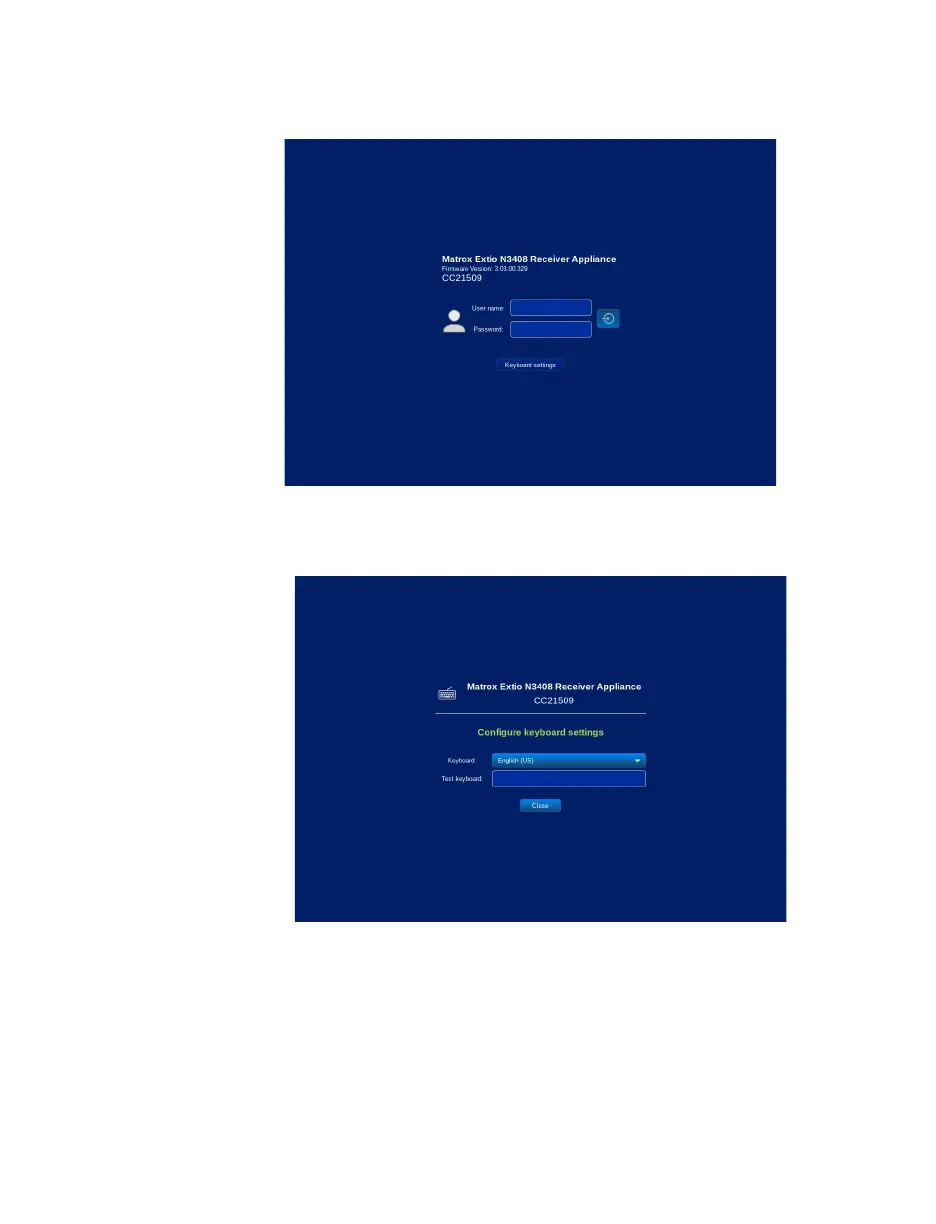
To change to your preferred keyboard settings:
1
From the OSD login screen, click the
Keyboard settings
button found at the bottom.
2
Select the keyboard language from the
Keyboard
drop-down list.
3
Enter text in the
Test keyboard
field to verify your selection if necessary.
4
Click
Close
.



 To Next Page