44 Matrox Extio 3 Series – User Guide
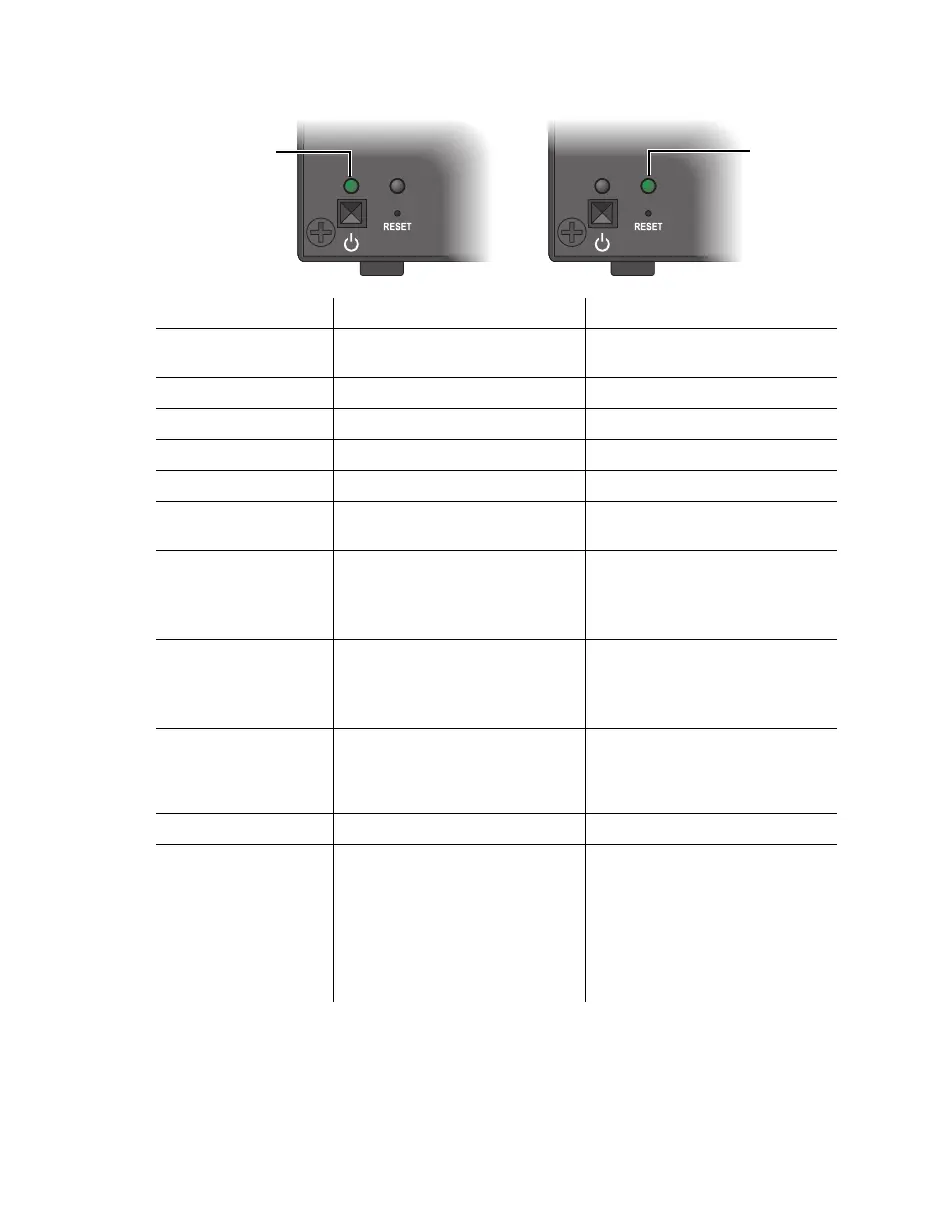
Extio N3408 or N3208 unit
LED color Power LED Status LED
Green (standby)
Device is turned off but still
powered.
—
Green (solid) Device is active. Software is ready.
Green (slow blink) Device is restarting. —
Green (fast blink) Configuration reset in process. —
Amber (solid) Device is in maintenance mode. Device is restarting.
Amber (slow blink)
Device is restarting and is in
maintenance mode.
Firmware mismatch detected.
Amber (fast blink) Device is updating the firmware.
Transmitter – No USB
connected.
Receiver – No keyboard
detected.
Red (solid) —
Transmitter – No source
detected.
Receiver – No monitor
detected.
Red (slow blink) —
No network detected or network
cable connection is invalid (see
“Setting up link redundancy”,
page 41).
Red (fast blink) Error detecting the driver. Fatal error occurred.
Black (no LED)
No power. Make sure your device
is properly installed. Also, make
sure your system isn’t in power
saving mode (see “Connecting
your Extio 3 devices”, page 31).
For more information, contact
your vendor (see “Customer
support”, page 112).
—



 To Next Page