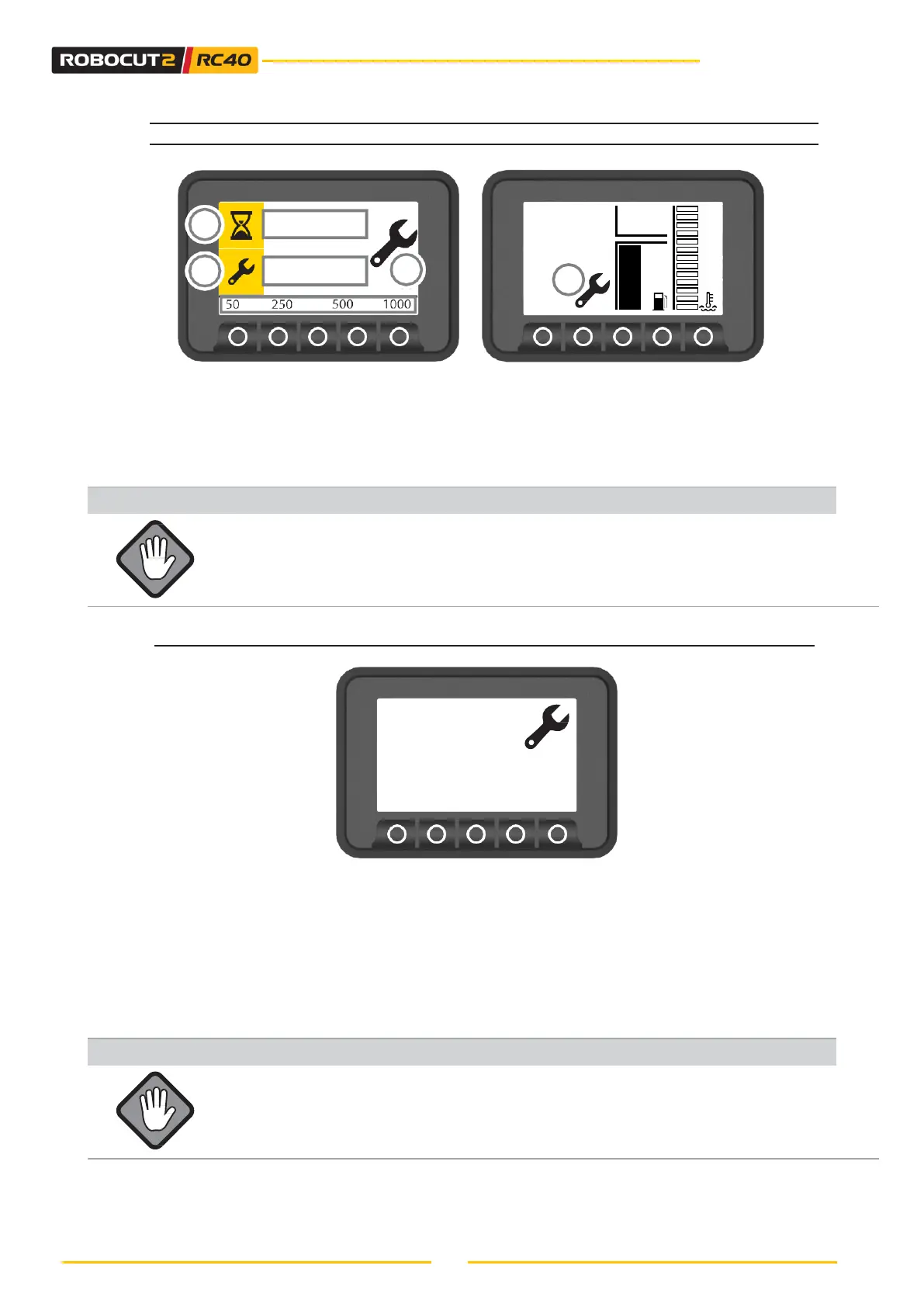
6.4.3 - MACHINE HOURS COUNTER / MAINTENANCE SCREEN
• The display shows the machine hours (1) and the scheduled servicing times (2).
• See the Maintenance section when the scheduled number of hours has been reached.
• The servicing indicator light (3) appears when the scheduled maintenance times have been
reached. Press the PAGE UP or DOWN key to view the counter and scheduled servicing.
• For servicing, indicated in the specific manual, contact your local authorised service centre.
The Service indicator light will flash every time the engine is started until the
release code is entered (once the machine has been serviced).
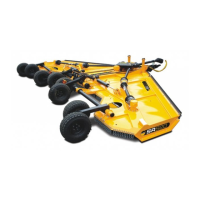
MAINTENANCE CODE
Every 50 hours, the machine prompts you to inspect it, after which the maintenance error has to
be reset.
1. When the servicing has been completed, enter the four-digit numeric code (four digits) supplied
at the time of purchase or contract McConnel’s support service. The code in this case is 6094.
2. To view the page, press the ENTER button for 3 seconds.
3. Enter the code by moving from left to right with the HOME key.
4. Confirm the operation by pressing the ENTER key.
Entering the code without having carried out the required service will
invalidate the McConnel warranty.
+/- : change values
Esc: Select value
Ent: confirm
6 0 9 4



 To Next Page