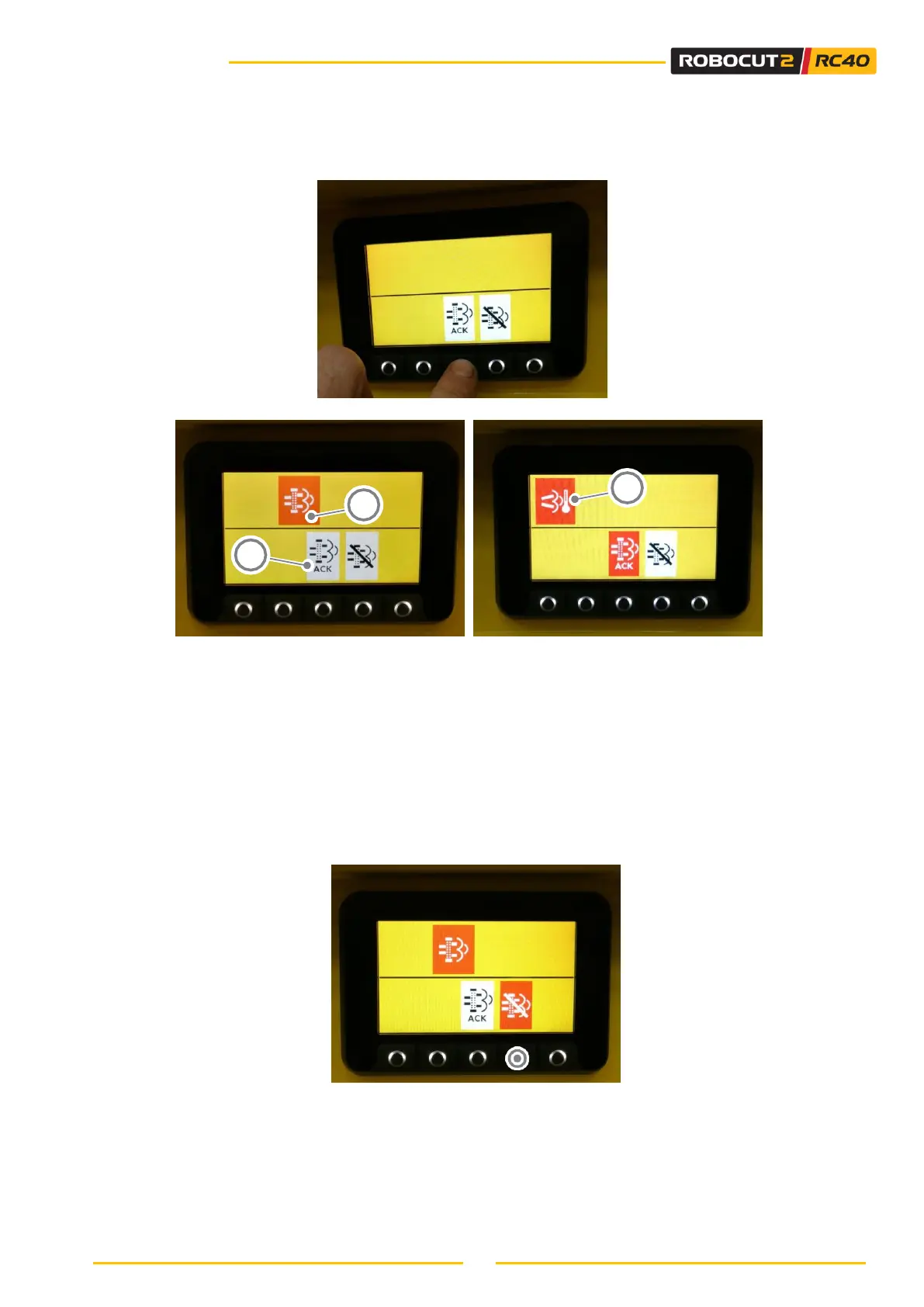
4. From the menu shown in Figure 1, press the DOWN key twice (see section 6.9.1) to access the forced
regeneration menu Figure 2, then press the ENTER key for a few seconds (see Figure 2);
Figure 2: Regeneration menu
Figure 3 Figure 4
5. At this point, an indicator (A) (Figure 3) appears, prompting you to confirm the activation of the
regeneration function. The indicator (B) will then start to flash. To confirm the activation, press and
hold the ENTER button (see section 6.4.1) for a few seconds until the indicator
(C) appears (Figure 4).
6. The machine will now start the forced stationary regeneration process;
7. Do not move the machine stationary until the regeneration process has ended.
To inhibit forced stationary regeneration: press the HOME button (see section 6.4.1); the indicator light
above the button turns red. Press the HOME button again to enable the system.



 To Next Page