McHale HS2000 Round Bale Wrapper
50
Rollback time
This feature rotates the bale on its own after wrapping and is useful for expelling any
air from between the layers of film. It can be set from 0-15 seconds and this is the
length of time that the bale is rotated for. Normally 6-7 seconds is enough to rotate the
bale once.
Set to zero to disable this feature.
To access this menu:
1. Press Display Down (button 4) twice, from the main working screen, to display
the Operator Setup menu.
2. Press Enter (button 3).
3. Press Display Down (button 4) eight times to select the Rollback Time screen.
4. Use Display Up and Display Down (buttons 1 and 4) to select the correct
setting, press Enter (button 3). Return to the working display by pressing ESC
(button 2) or Display Up (button 1) twice.
Remote type
This option is used to select the remote control type. There are 2 different types used:
Infrared (IR) - older machines
Radio frequency type (RF) - newer machines
To select the remote type:
1. Press the Display Down (button 4) three times to select the Operator Setup
menu.
2. Press Enter (button 3).
3. Press Display Down (button 4) nine times and press Enter (button 3).
4. Select either IR/RF/RF Learn, as appropriate.
5. Press Enter (button 3) to save the selection.
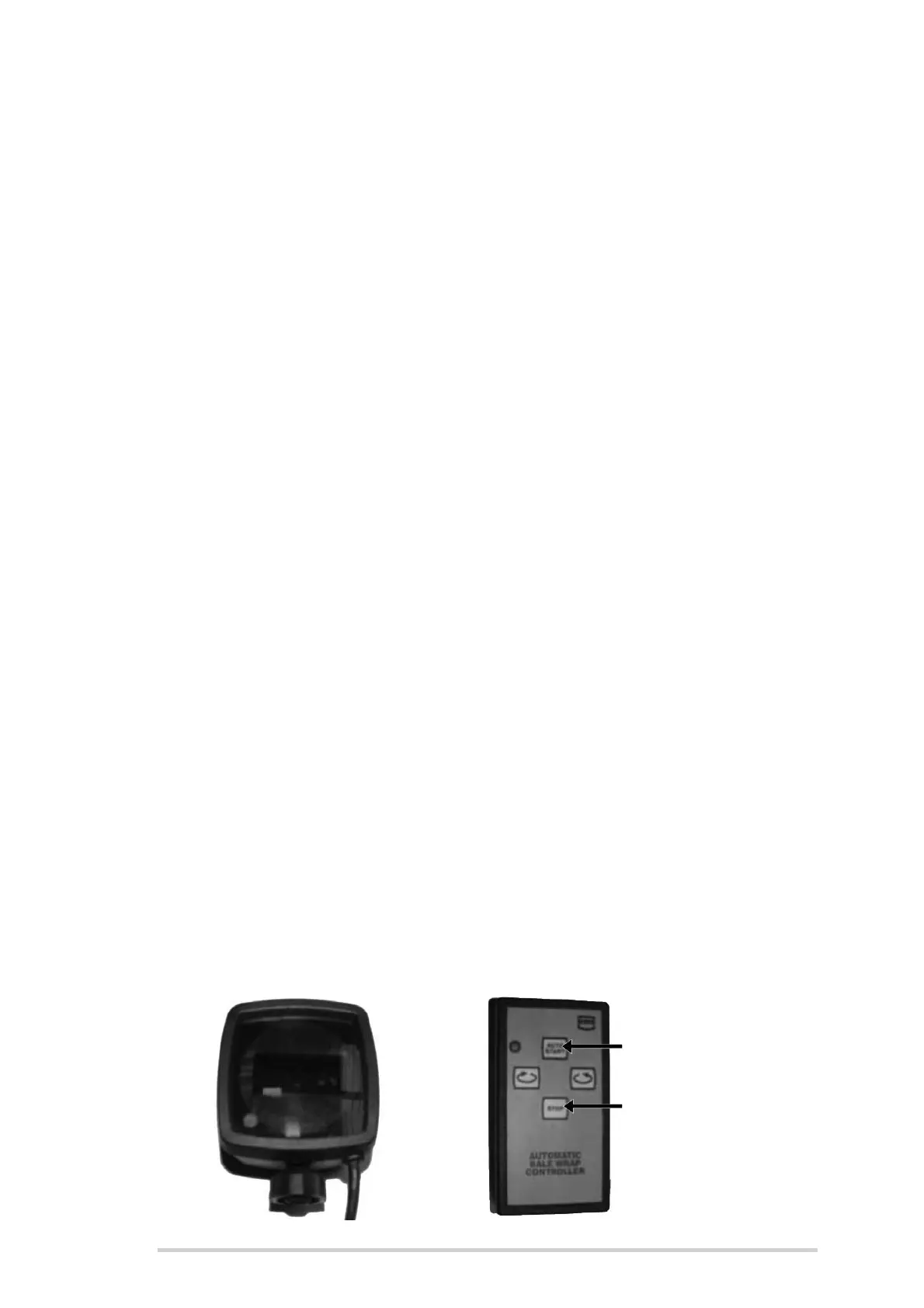
Infrared remote
Whenever an infrared remote type is being used, select “IR” in the Remote Type menu,
as above. Connect the receiver to the serial port on the electronic control box and
select auto mode (button 13). The cycle can be started by pointing the infrared remote
at the receiver and pressing the Auto Start button, see below. The Emergency Stop
button will stop the cycle at any time. The other two buttons will rotate the table in
forward and reverse.



 To Next Page