McHale HS2000 Round Bale Wrapper
52
7.5.6 Technician menu
The Technician menu is reserved for McHale engineers only. A pin code needs to be
entered to access this menu.
7.5.7 Auto park
Auto park is used to make it easier to move the wrapping machine between fields. The
operator must first ensure that both the drawbar and spare film roll holder are in the
working position prior to selecting auto park.
1. Select MAN mode.
2. From the working display, press the Display Up key three times; “Auto park?”
is displayed on the screen.
3. Press Enter (button 3) and hold for one second until “Park run” appears on the
display.
4. The loading arm first moves downwards if not already lowered; the bale clamp
arm opens and the dispensers move slowly forward and stop with one
dispenser at the front and the other at the back of the wrapper. The open bale
loading arm now moves to the upper position and the clamping arm closes
behind the dispenser. The plastic film remains gripped in the cut and hold units.
If the machine is being moved by road, the drawbar safety bar must be applied.
WARNING: The drawbar and spare film roll holder must not be in
the way of the loading arm
The operator must first ensure that the drawbar and spare film roll holder
are in the working position prior to selecting auto park.
Close cut
and hold
Open cut
and hold
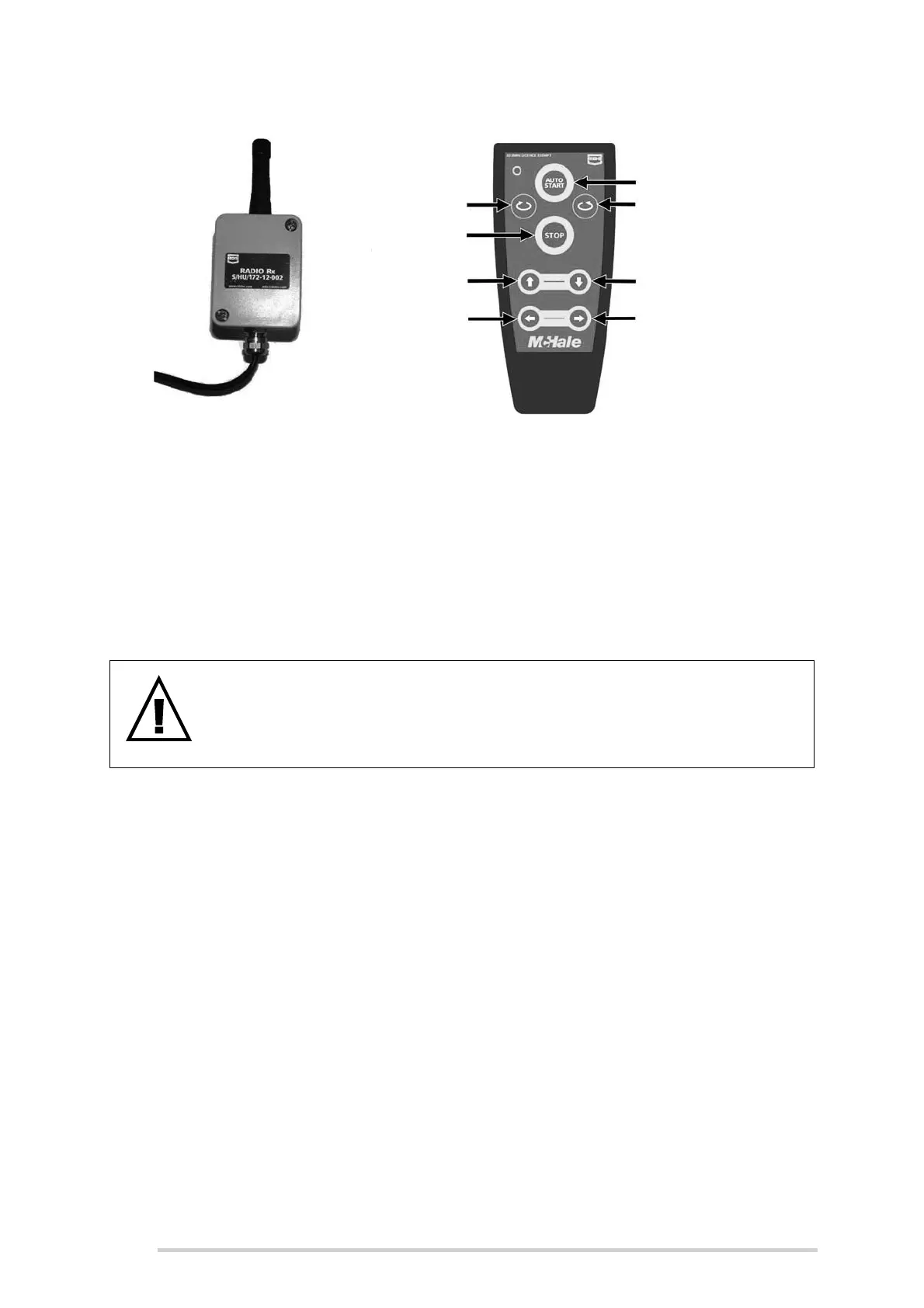
Table up
Table down
Table forward
rotate
Starts auto cycle
Starts auto tip
Emergency
stop
Table reverse
rotate



 To Next Page