HELIOS LED Processing Platform - USER GUIDE
20
Global Controls (continued)
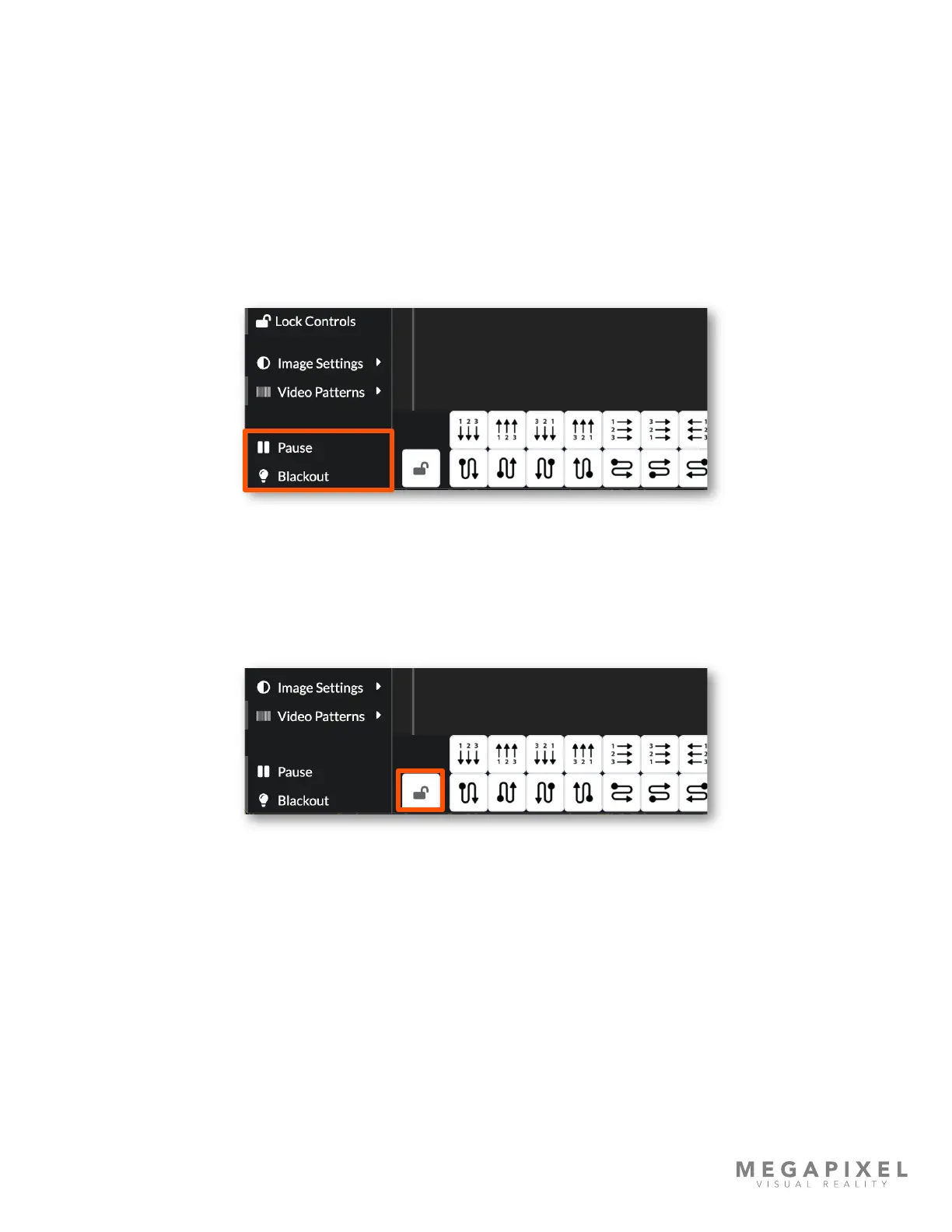
The bottom two options are controls for pausing or blacking out the output.
Pause - will continuously display a still image of the last input frame at the time pause was pressed. This feature is
convenient to use when the input signal must be interrupted, and the live display can show a still image such as a logo. To
use this feature, display the desired image and press the pause button. The input signal can now be interrupted and the
HELIOS Processor will continue to display the still frame grab. When it comes time to resume, display the same image
again with the connected playback device and toggle pause off to resume live playback.
Blackout - is a black generator that ensures all LEDs are completely off. This feature is ideal to use for situations when
panels need to be placed on stand-by with power use at a minimum. HELIOS compatible tiles all have a low power mode
that enables after ve (5) minutes of blackout.
Figure 22: Pause and Blackout.
Canvas Lock
When changes on the mapping pane and the and inputs pane are complete it is good practice to lock the panes to
prevent any unintentional changes. The lock mechanism locks and unlocks the canvas functionality simultaneously on both
the mapping pane and the inputs pane.
Figure 23: Canvas Lock



 To Next Page