HELIOS LED Processing Platform - USER GUIDE
64
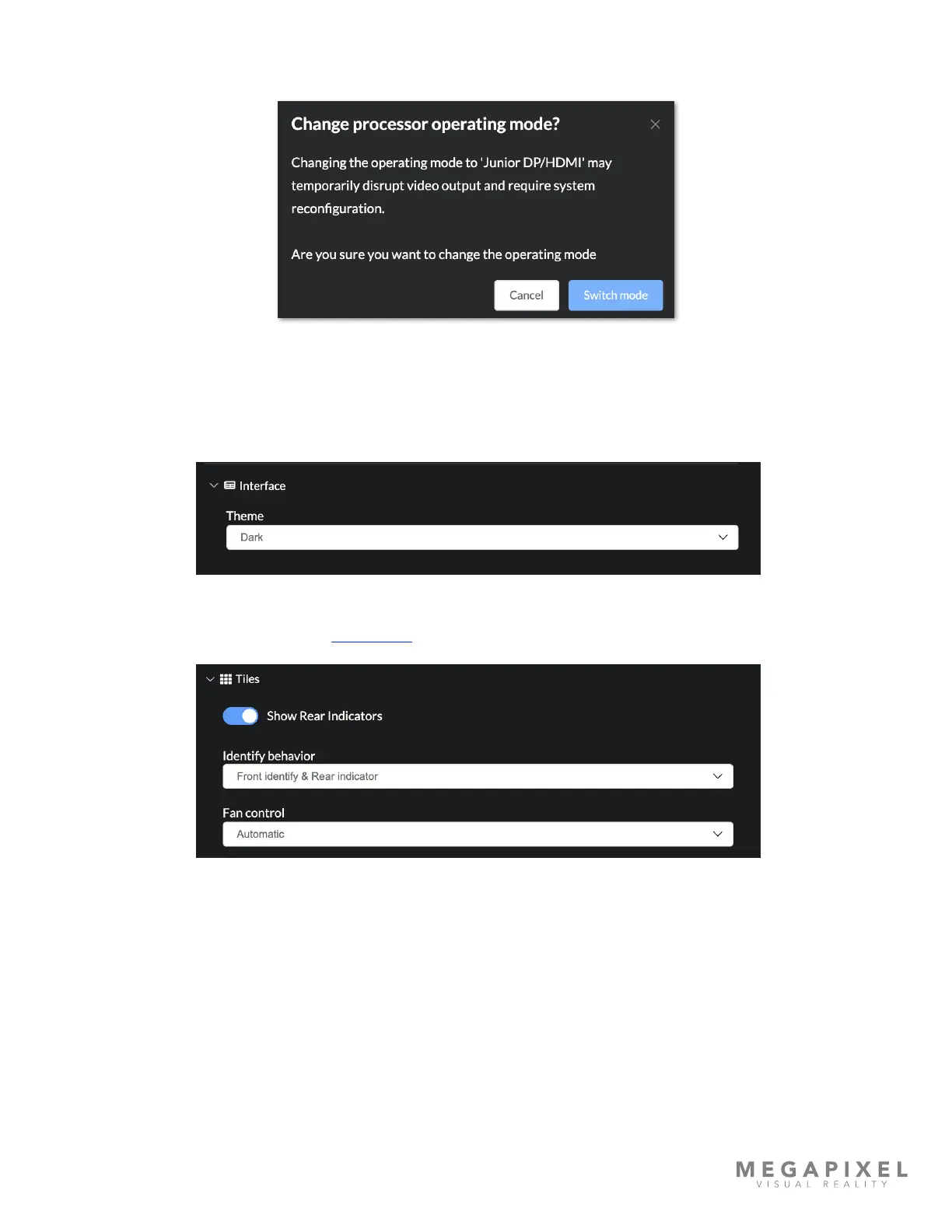
Operating Mode (continued) - Changing the operating mode will trigger a pop-up warning asking for conrmation.
Select Switch Mode to change and recongure the system for the new module type.
Figure 85: Switch mode conrmation
• Interface - Select between a dark or a light colored theme.
Figure 86: Theme selection
• Tiles - Show / Hide tile indicators. (See Tile details for more information).
Figure 87: Tile Indicator controls



 To Next Page