HELIOS LED Processing Platform - USER GUIDE
66
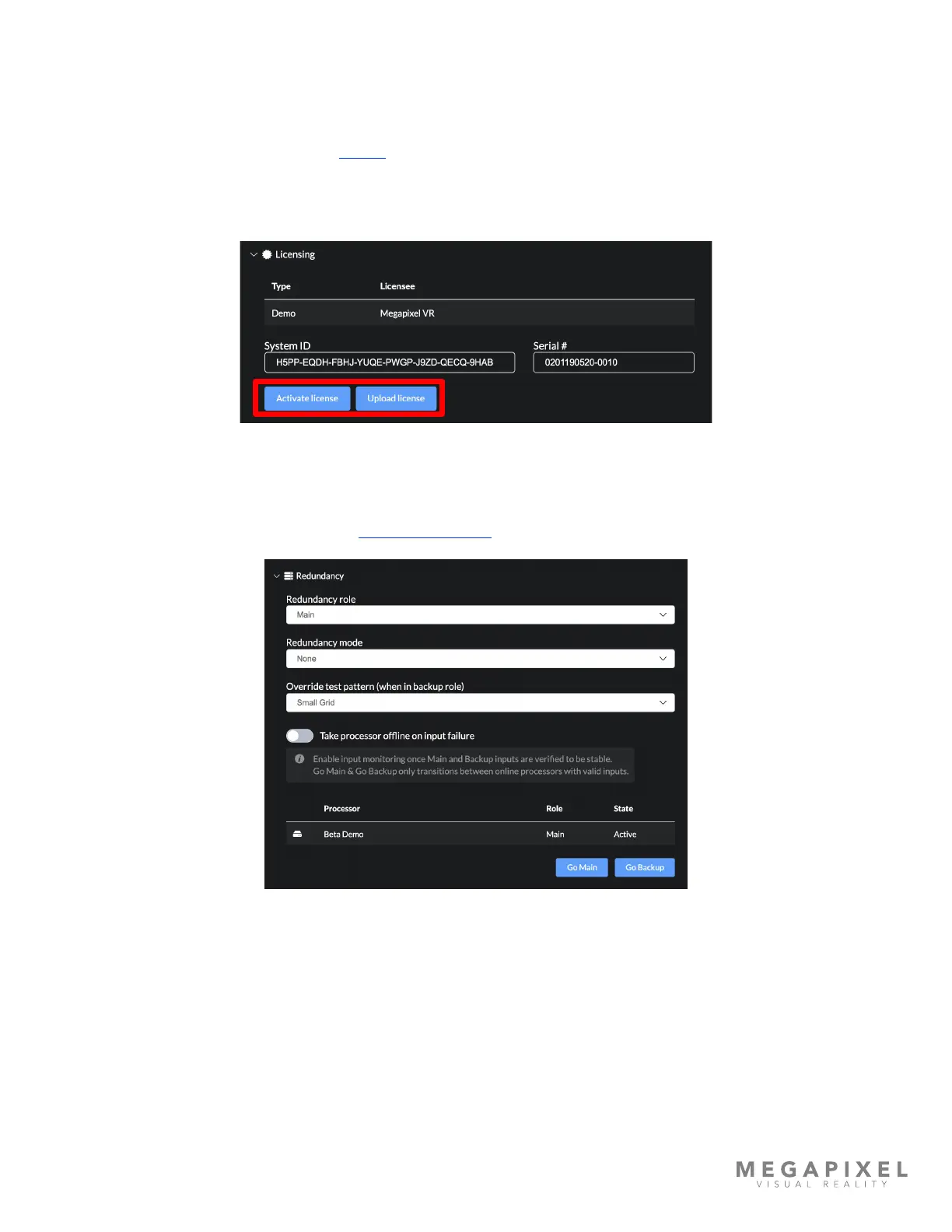
• Licensing - HELIOS units require a license to operate. There are two main types of licenses, HELIOS Standard and
HELIOS Junior, other specialized licenses such as the GhostFrame license are also available. Shown below is
a HELIOS Standard license. To enter a license use the Activate license button. This button allows license
activation via an activation key. The web UI will then communicate with the MVR licensing server to generate
a license for the system. Alternately, to obtain a license the system ID and serial number will need to be sent
to a MVR reprsentative. The About tab (shown later in this section) has a Download Support Archive button.
Contact your Megapixel VR representative with this archive to obtain new or upgrade existing licenses. Once
the new license le has been obtained, select the Upload license button, then navigate to the license le on
the local host machine to load a license into the HELIOS.
Figure 90: Licensing
• Redundancy (Advanced) - Please see the Data Redundancy section in Appendix F for details.
Figure 91: Redundancy settings



 To Next Page