Envoy 2 E Series User Guide 20190805-30.docx || © 2019 MegaVoice Ltd. || Page 30 of 68
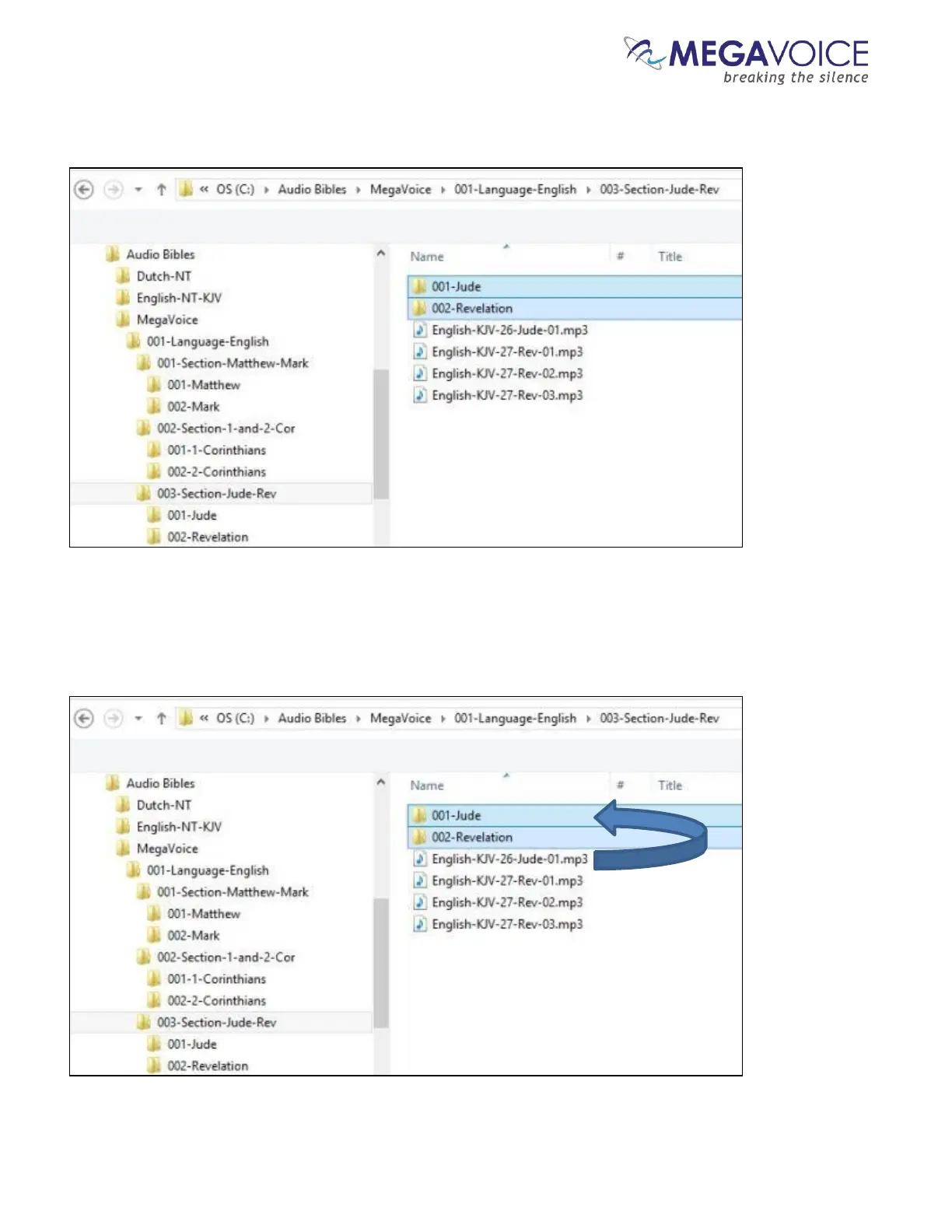
And finally, repeat the process for the third Section, “003-Section-Jude-Rev”. Open the folder and create a Book
folder for Jude, “001-Jude” and create a folder for Revelation, “002-Revelation”.
Let’s move the Chapter files to their respective “Book” folders for Section 3. Highlight the (only) Chapter file for
Jude and move it to the “001-Jude” folder. Highlight the Chapter files for Revelation (3 of them) and move them
to the “002-Revelation” folder.



 To Next Page