Envoy 2 E Series User Guide 20190805-30.docx || © 2019 MegaVoice Ltd. || Page 66 of 68
Resetting the player
To reset the Envoy 2 E try the following:
Hold down the power button for 10 seconds until the player restarts.
If unsuccessful, reconnect to the computer with a USB cable and hold down the power button for another 10
seconds.
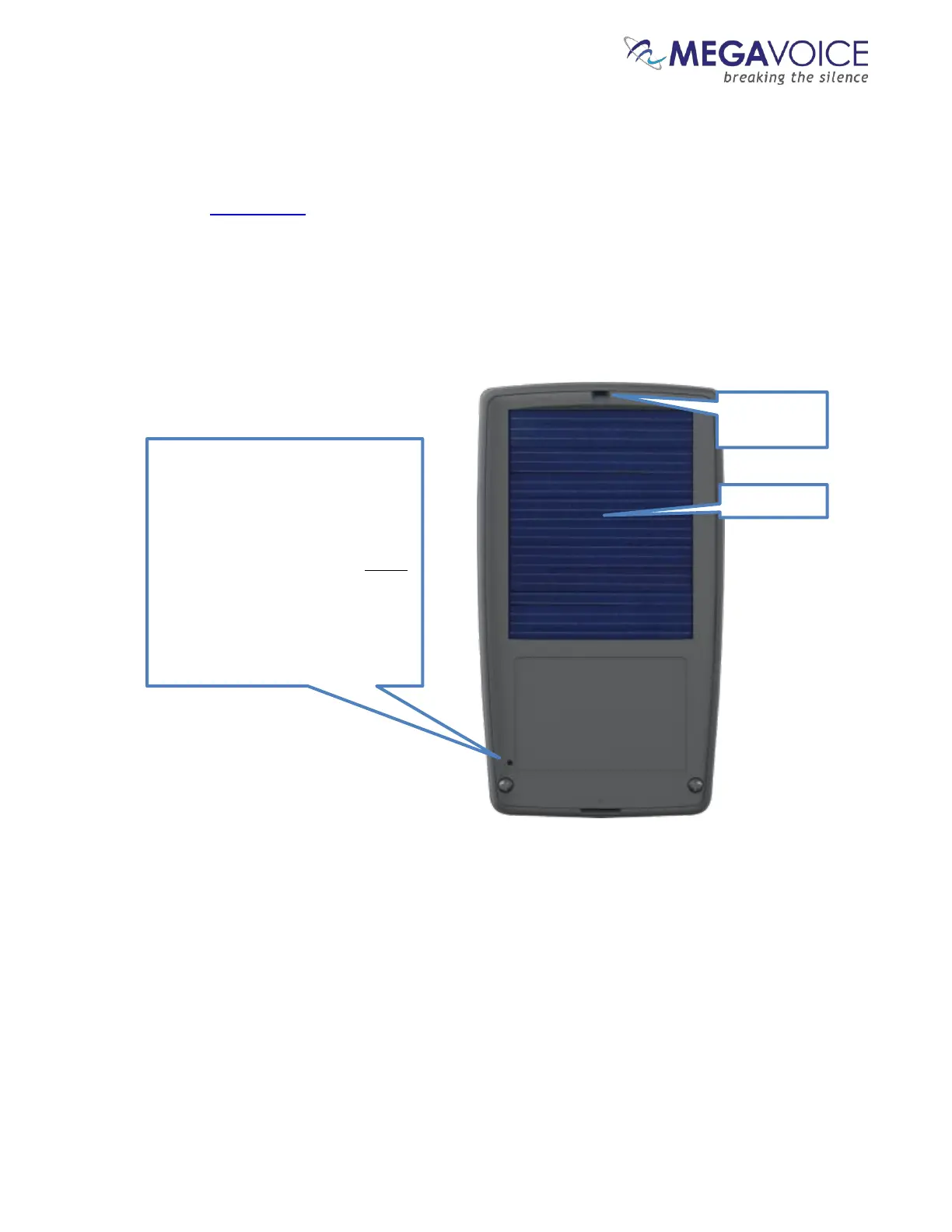
If still unsuccessful, use the reset switch as illustrated below.
*Some versions of the Envoy 2 E do not include a solar panel.
To perform a physical reset of the
player, insert a small paper clip (or
similar item with a blunt end)
through the reset hole on the rear
panel of the player, just above the



 To Next Page