Envoy 2 E Series User Guide 20190805-30.docx || © 2019 MegaVoice Ltd. || Page 55 of 68
The Lithium Ion battery
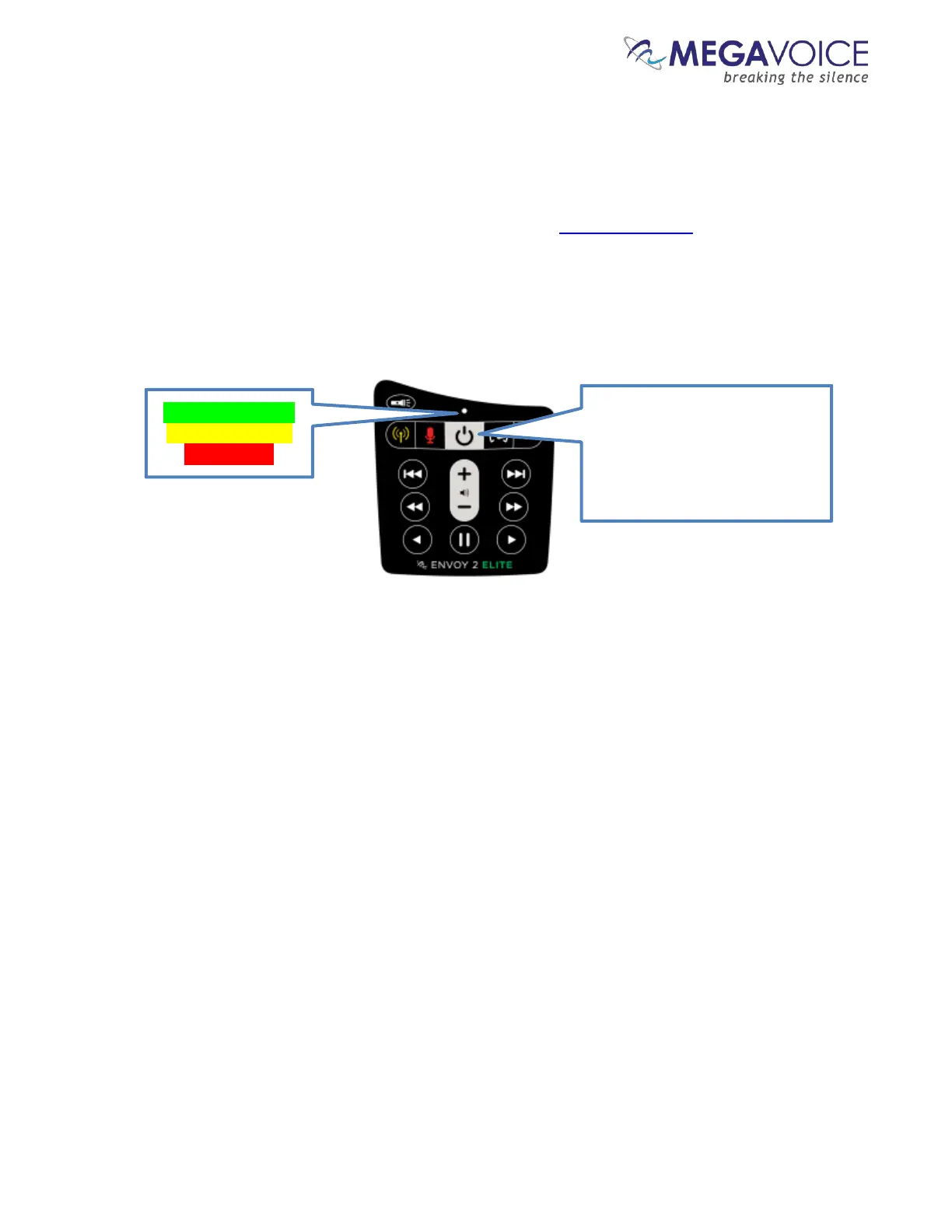
The battery level indicator
The 2 E Series players come with an improved capacity, rechargeable Lithium Ion battery.
All models come with a built-in battery level indicator. The player must be on in order to test the battery. A click
on the power button at the top of the keypad executes the test. The LED on the keypad will blink rapidly for 2
seconds indicating the remaining capacity in the battery. The color of the LED displayed during the test shows the
remaining charge as presented below:
Red: 1% - 9%
A click on the power button
while the player is on will
perform a battery test. The LED
will blink green, yellow or red
according to the current



 To Next Page