Envoy 2 E Series User Guide 20190805-30.docx || © 2019 MegaVoice Ltd. || Page 64 of 68
Keypad button cross reference
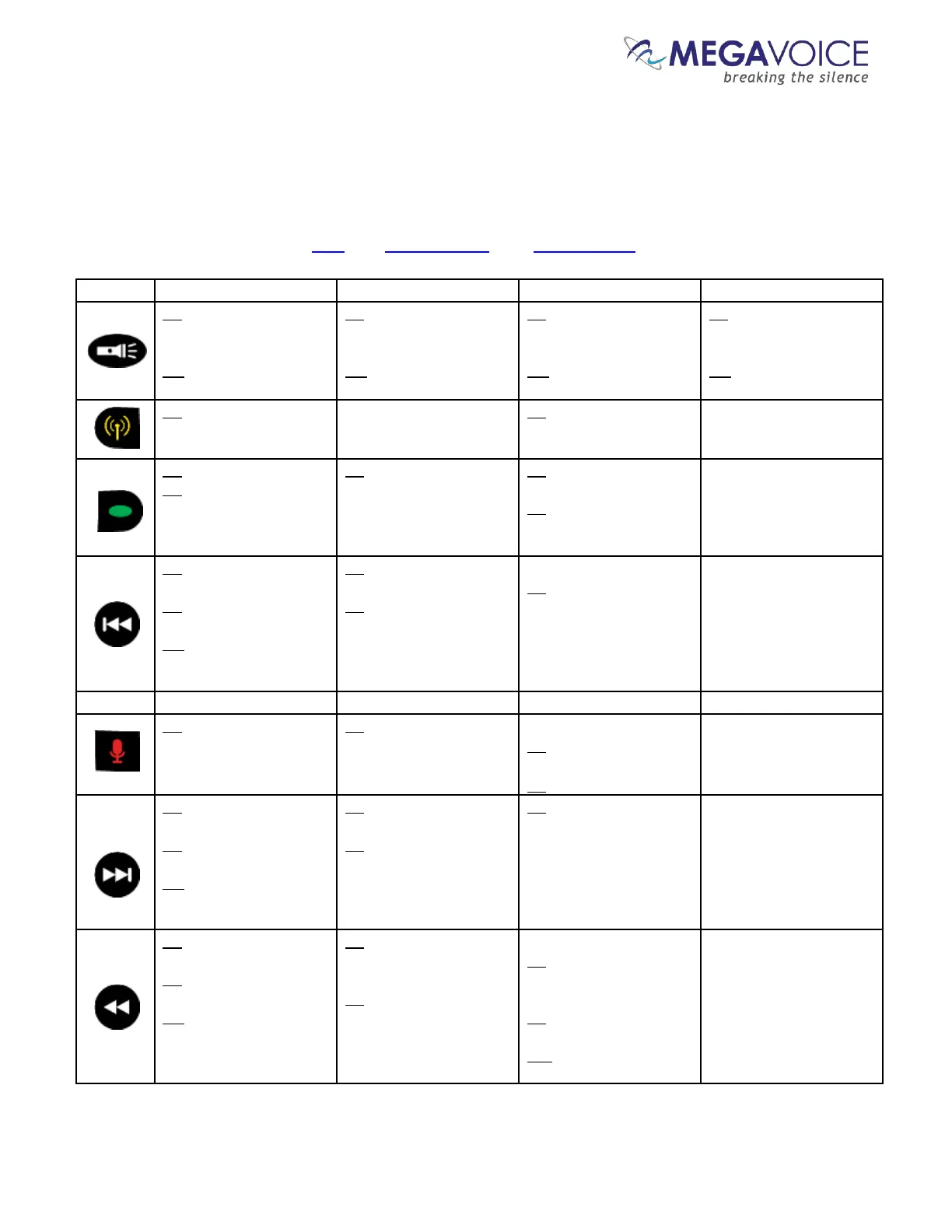
The following chart shows all keypad buttons and what occurs when pressed during different modes of
player operation. To save space, the following abbreviations are used throughout:
CL: Click, 2S: 2-second press, PH: Press and hold
CL: switch from low
beam, to medium, to
high, to off
PH: activate high beam
until button is released
CL: switch from low
beam, to medium, to
high, to off
PH: activate high beam
until button is released
CL: switch from low
beam, to medium, to
high, to off
PH: activate high beam
until button is released
CL: switch from low
beam, to medium, to
high, to off
PH: activate high beam
until button is released
2S: switch to FM Radio
mode (set temporary
bookmark)
2S: switch to FM Radio
mode
CL: scroll to next Section
2S: scroll to next onboard
Channel, then to first
Channel on microSD card
(if present)
2S: switch to Audio
Playback mode
CL: begin playback of
recordings
2S: switch to Audio
Playback mode
CL: scroll back to previous
Book
2S: scroll back 5 Books at
a time
PH: scroll back 5 Books
at a time until first Book
or button is released
CL: decrement frequency
by 0.1MHz
2S: scan for previous FM
station
While in playback…
2S: delete the current
recording
2S: switch to Recording
mode (set temporary
bookmark)
2S: switch to Recording
mode
While idle…
CL: begin recording
While recording…
CL: end recording
CL: scroll forward to next
Book
2S: scroll forward 5 Books
at a time
PH: scroll forward 5
Books at a time until last
Book or button released
CL: increment frequency
by 0.1MHz
2S: scan for next FM
station
2S: reset the file counter
to 000 (zero)
CL: scroll to the previous
Chapter
2S: scroll back 5 Chapters
at a time
PH: scroll back 5
Chapters at a time until
first Chapter or button is
released
CL: switch to the pre-
programmed station for
this button
2S: program the button to
the current station
While in playback…
CL: skip to the
beginning of the current
recording file
2S: skip back 5
recording files at a time
PH: skip back 5 files
until first file is reached
Continued on next page



 To Next Page