Envoy 2 E Series User Guide 20190805-30.docx || © 2019 MegaVoice Ltd. || Page 65 of 68
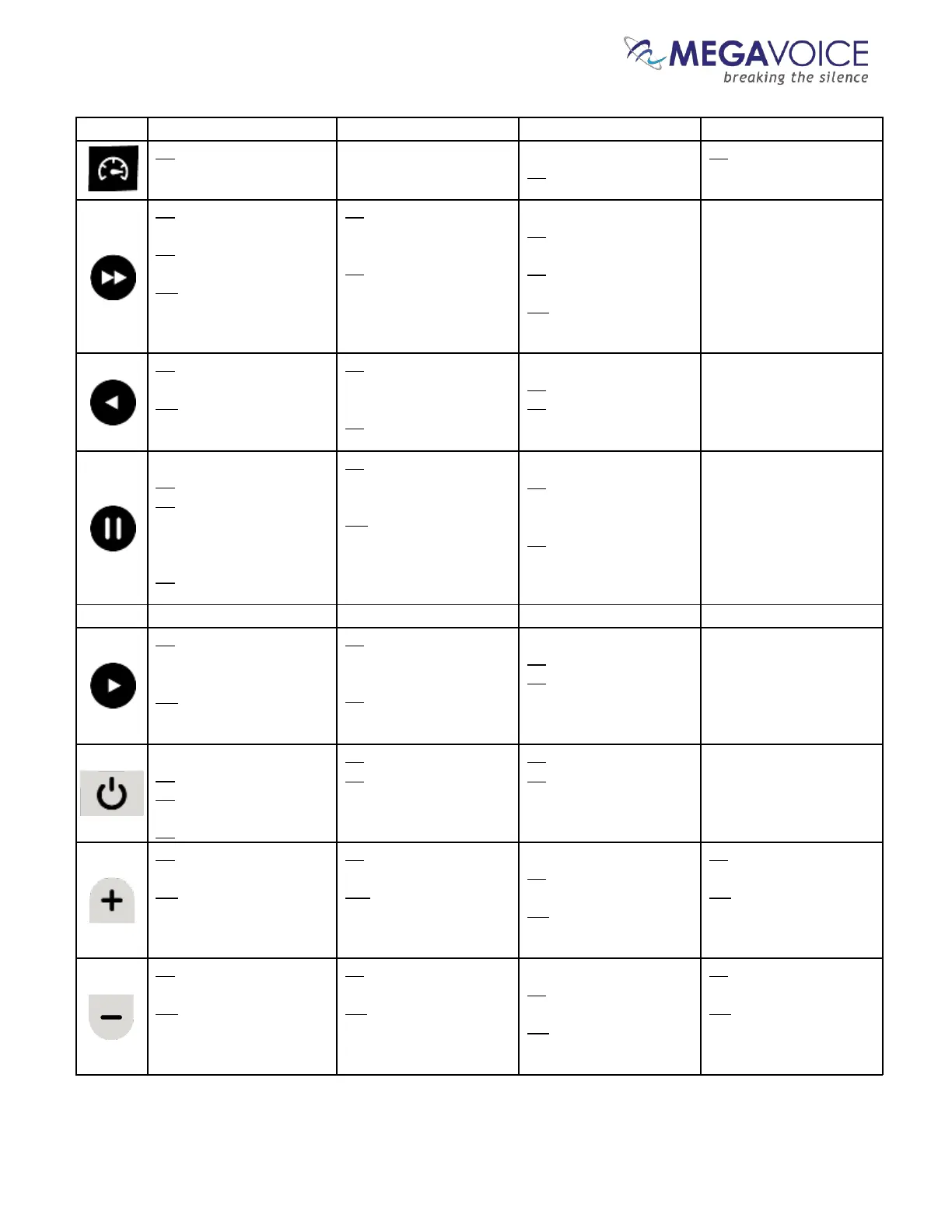
2S: Switch to Speed
Control mode
While in playback…
2S: Switch to Speed
Control mode
2S: reset the playback
speed to normal and exit
Speed Control
CL: scroll to the next
Chapter
2S: scroll forward 5
Chapters at a time
PH: scroll forward 5
Chapters at a time until
last Chapter or button is
released
CL: switch to the pre-
programmed station for
this button
2S: program the button to
the current station
While in playback…
CL: skip to the next
recording file
2S: skip forward 5
recording files at a time
PH: skip forward 5 files
until last file is reached
CL: rewind 20 seconds* in
current Chapter
PH: rewind until button
is released or beginning
of file
CL: switch to the pre-
programmed station for
this button
2S: program the button to
the current station
While in playback…
CL: rewind 20 seconds*
2S: rewind through all the
files until button is
released
While in playback…
CL: enter pause mode
2S: place a bookmark at
the current audio position
While paused…
CL: resume playback
2S: place a bookmark at
the current audio position
CL: switch to the pre-
programmed station for
this button
2S: program the button to
the current station
While recording…
CL: pause current
recording
While paused…
CL: resume current
recording
CL: fast-forward 20
seconds* in current
Chapter
PH: fast-forward until
button is released or end of
file
CL: switch to the pre-
programmed station for
this button
2S: program the button to
the current station
While in playback…
CL: forward 20 seconds*
2S: fast-forward through
all the files until button is
released
Player is ON:
CL: perform battery test
2S: turn player off
Player is OFF:
2S: turn player on
CL: perform battery test
2S: turn player off
CL: perform battery test
2S: turn player off
CL: increase volume a
single level
PH: increase volume
until button is released
or maximum reached
CL: increase volume a
single level
PH: increase volume
until button is released
or maximum reached
While in playback…
CL: increase volume a
single level
PH: increase volume
until button is released
or maximum reached
CL: increase playback
speed a single level
PH: increase playback
speed until button is
released or maximum
reached
CL: decrease volume a
single level
PH: decrease volume
until button is released or
minimum reached
CL: decrease volume a
single level
PH: decrease volume
until button is released or
minimum reached
While in playback…
CL: decrease volume a
single level
PH: decrease volume until
button is released or
minimum reached
CL: decrease playback
speed a single level
PH: decrease
playback speed until
button is released or
minimum reached
*The actual time may vary slightly.



 To Next Page