Envoy 2 E Series User Guide 20190805-30.docx || © 2019 MegaVoice Ltd. || Page 38 of 68
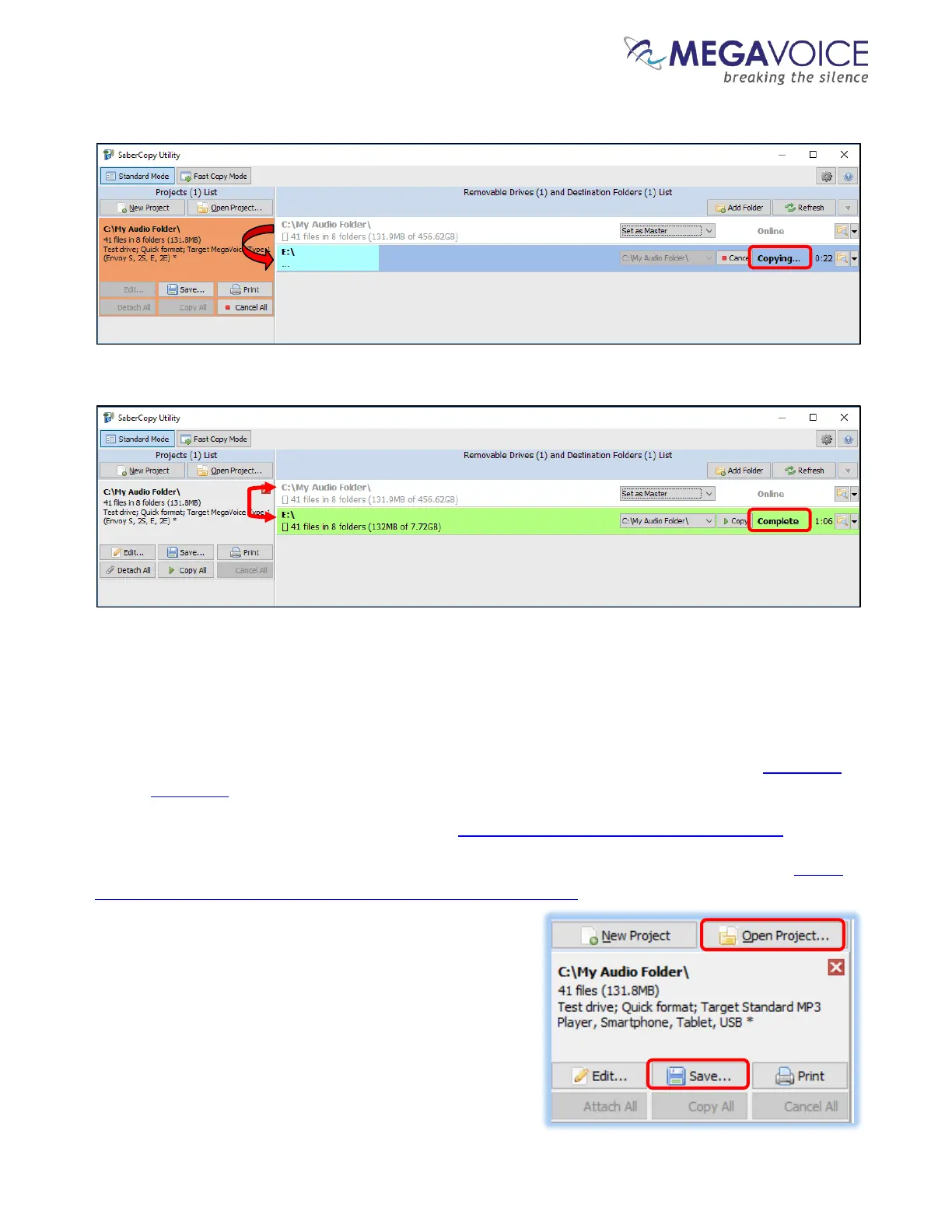
11. SaberCopy will begin the process…
12. Success!
13. In the vast majority of cases, the process described above is always successful. If for some reason the load was
not successful (the player line turns red) try the following:
a. Review all the settings on all the relevant screens and make sure they are correct per the preceding
screen images. If something was missed please make the change and try again.
b. If the completion message was “Unmatched”, review section “9: File verification” in the SaberCopy
User Guide.
c. If you are still not sure what the problem is, click here to contact MegaVoice for assistance.
14. If the load was successful, but the player beeps and turns off or does not work or navigate correctly, please
click here and review the structuring rules for for the Envoy 2 E Series.
15. Before you close SaberCopy!!! If you need to repeat the
above steps at a later date to load other players, please save
the project for easy re-use. SaberCopy will “remember” all
the settings in the project file. Simply click on the “Save”
button in the project window. Give the file a recognizable
name (but leave the file type as “.saber”) and click “Save”. To
open the project later, click on the “Open Project” button.



 To Next Page