3.8.8.3.2 Testing Reclosing Relays (Reclose Only), Timing and Sequence to Lockout
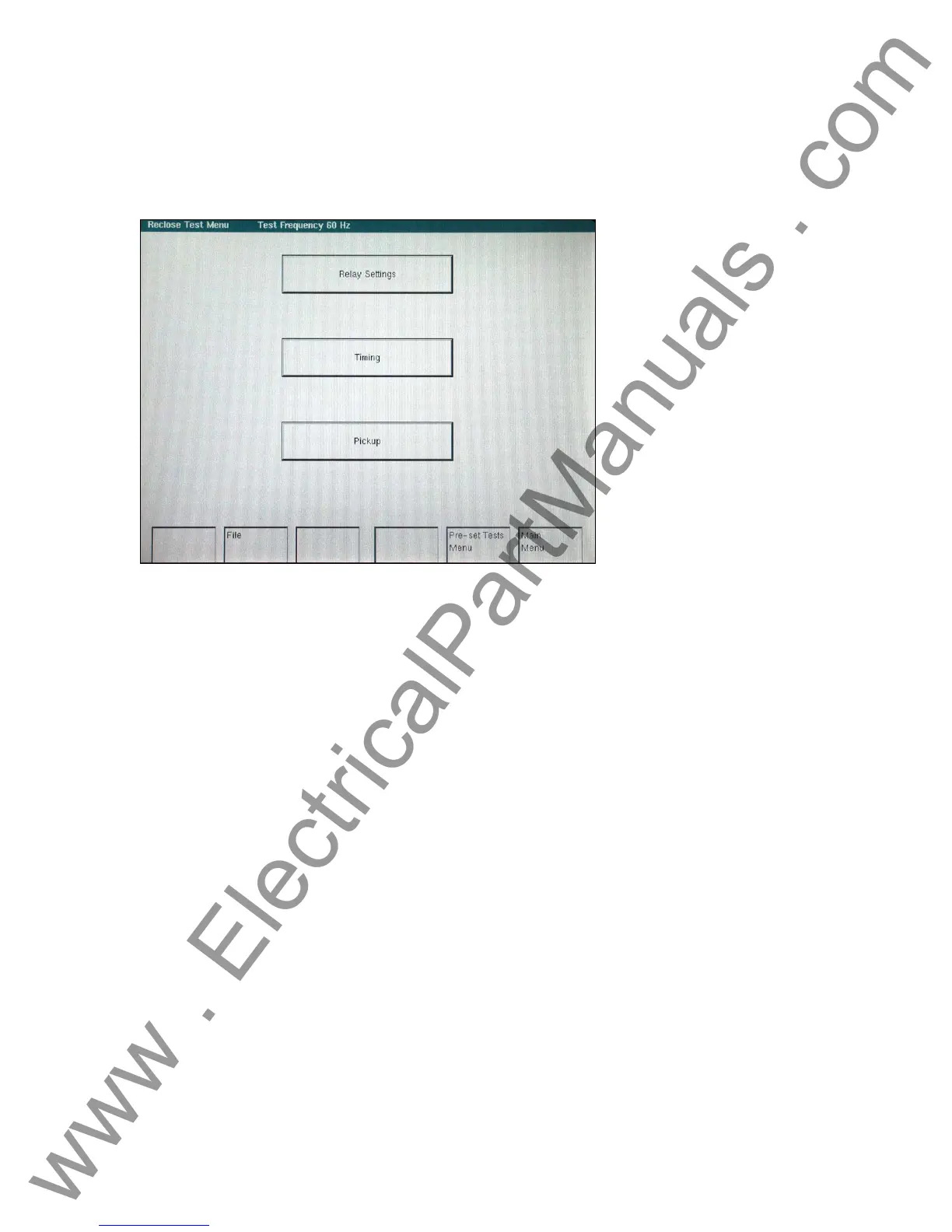
From the MAIN MENU Screen, select RECLOSING RELAY. The following screen should be
displayed.
Figure 80 Reclosing Relay Menu Screen
Note: If relay is solid state, or microprocessor-based, and requires a DC logic voltage prior to
applying test, connect the relay dc power terminals to the BATTERY SIMULATOR terminals. The
Battery Simulator voltage may be set and turned on in the Relay Test Screen.
1. Select Relay Settings. The following screen should appear. The Relay Tap, Time Dial
and Test Multiple should be set to zero (see Testing Distribution Relays with Reclosing
for use of these inputs). Set the No. of Operations to the desired number of trips you
want to simulate (this is the number of times the Binary Output contacts will be toggled).
Note, if the reclosing relay is a three shot to lockout, then set the number of operations to
4. Set Reclose Ops (Shot Count) to the desired value (the number of reclose operations
that the relay is set for). A maximum of 9 reclose operations (shots) may be recorded.
-
110
www . ElectricalPartManuals . com



 To Next Page