Setup configuration is displayed for convenience. The user selects the appropriate number of
channels required pressing I
1
,I
2
and I
3
.The amount of current required will be split proportionally
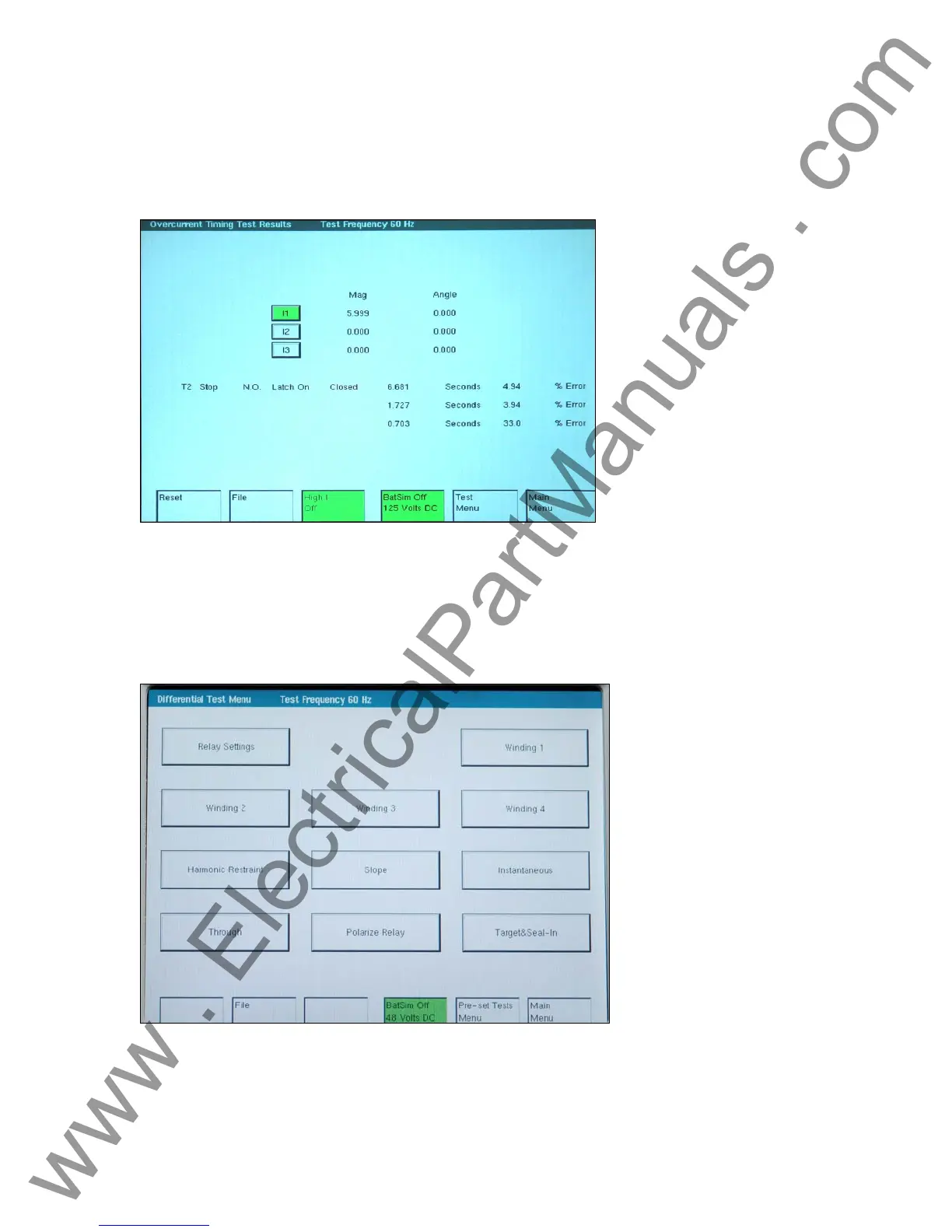
between selected current channels. After the test is completed the trip time for all multipliers, the
percentage error and current(s) amplitude will be read out from the screen or stored in the
memory as can be seen in the figure below:
Figure 48 Overcurrent Timing Test Result Screen
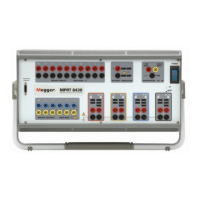
3.8.4 Differential Relay Test Menu
This menu permits the setting and testing of a differential relay. These tests should be conducted
in accordance with the manufacturers relay specifications.
Figure 49 Differential Relay Test Menu Screen
There are several options to further define the tests to be performed. Selecting one of these
options will present the test setup screen for that option.
Part 710000
Rev 3 Date 11/15/2005
www . ElectricalPartManuals . com



 To Next Page