Where: T = Operating Time
D = Under voltage Delay Set point
V = Voltage as a fraction of the nominal VT Secondary Voltage
V
pu
= Pickup Level
NOTE: The Under voltage Delay Set point, Voltage, and Pickup Level voltage will need to be
furnished if performing a definite time test.
The bottom of the screen has common buttons.
File: This selection will take the user to the File
Manager.
Test Menu: This selection will return the controller to the
Test Menu Screen.
Main Menu: This selection will return the controller to the
Main Menu:
3.8.5.2 Voltage Relay Pickup Test Results
This screen displays the results upon test completion. No data may be entered in this screen.
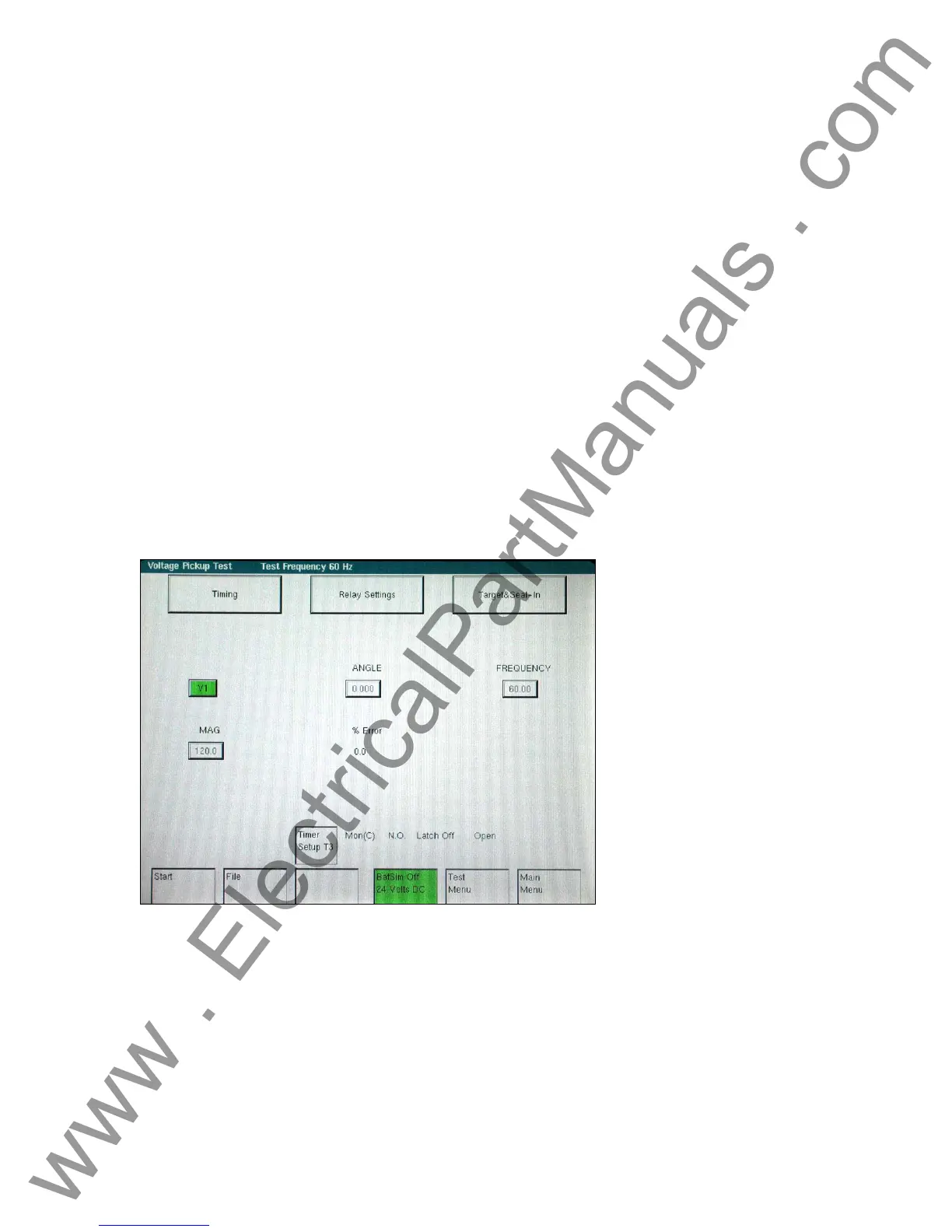
Figure 61 Voltage Relay Pickup Test Screen
• The Timing Settings button will change screens and will allow changes to meet the
manufacturer specifications.
• The Target & Seal-In Settings button will change screens and will allow changes to meet the
manufacturer’s specifications.
• To calculate the percent error of the pickup values by comparing Pick Up Voltage with the
Relay Tag value:
-
84
www . ElectricalPartManuals . com



 To Next Page