181
Chapter 7 Parameter Description
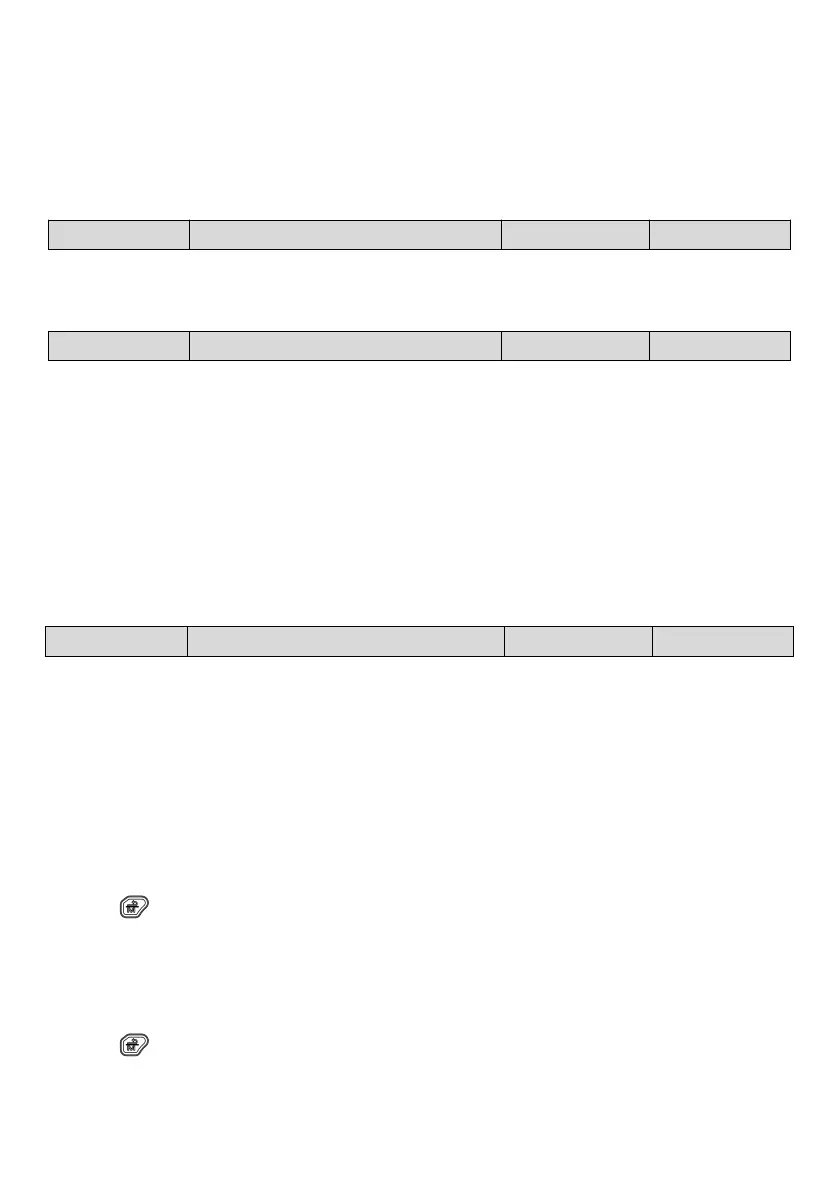
The parameter format is shown below:
7.1 P00: System management parameters
0: Quick menu mode
Only quick commissioning related parameters are displayed. These parameters can be changed to quickly start or stop
the drive.
1: Full menu mode
All function parameters are displayed (excluding some associated hidden function codes).
2: Changed memory menu mode
Only parameters that are different from factory settings are displayed (excluding P00.03).
The user password is used to prohibit the unauthorized person from viewing and modifying the function parameters.
To set the password:
Input a four-digit number as your user password and then press ENTER/DATA to confirm. After that, you need to
re-enter this function code to input the same number and press ENTER/DATA to confirm within 10 s. When “P.SEt” is
displayed, the password is successfully set. If there is no other key operation within 5 minutes or you re-power the drive
after a shutdown, the password will become effective automatically.
To change the password:
Press the “ ” key to enter the password verification status and input the original four-digit password to enter the
parameter editing status. Select P00.01 (P00.01 displays 00000 at the moment), and set the new password with the
same steps above.
To clear the password:
Press the “ ” key to enter the password verification status and input the original four-digit password to enter the
parameter editing status. Select P00.01 (P00.01 displays 00000 at the moment). The process of clearing a password is



 To Next Page