85
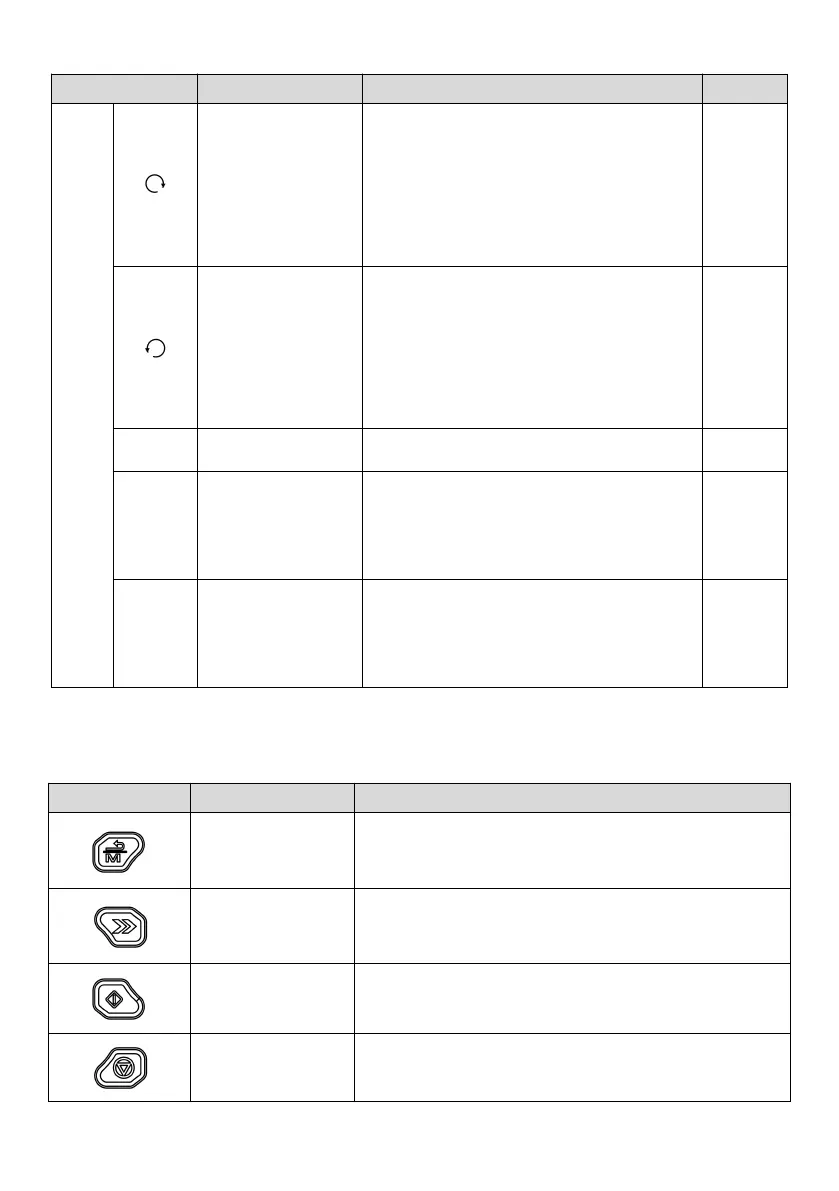
On:
During stop, there is a forward running command
for the drive
During running, the drive is running forward
Flashing: The drive is switching from FWD to REV
On:
During stop, there is a reverse running command
for the drive
During running, the drive is running reversely
Flashing: The drive is switching from REV to FWD
On: The drive enters the alarm status
On: Running
Flashing: Stopping
Off: Stopped
Operation command
channel LED
Off: Local
Flashing: Communication
On: Terminal
5.1.1.2 Description of operating panel keys
Table 5-2 Operating panel function table
To exit the programming state.
The multi-function description is shown in Table 5-3
To select the data bit for change in the editing state, or switch the
display of status parameters
Press this key in the operating panel mode, the drive will start to run



 To Next Page