86
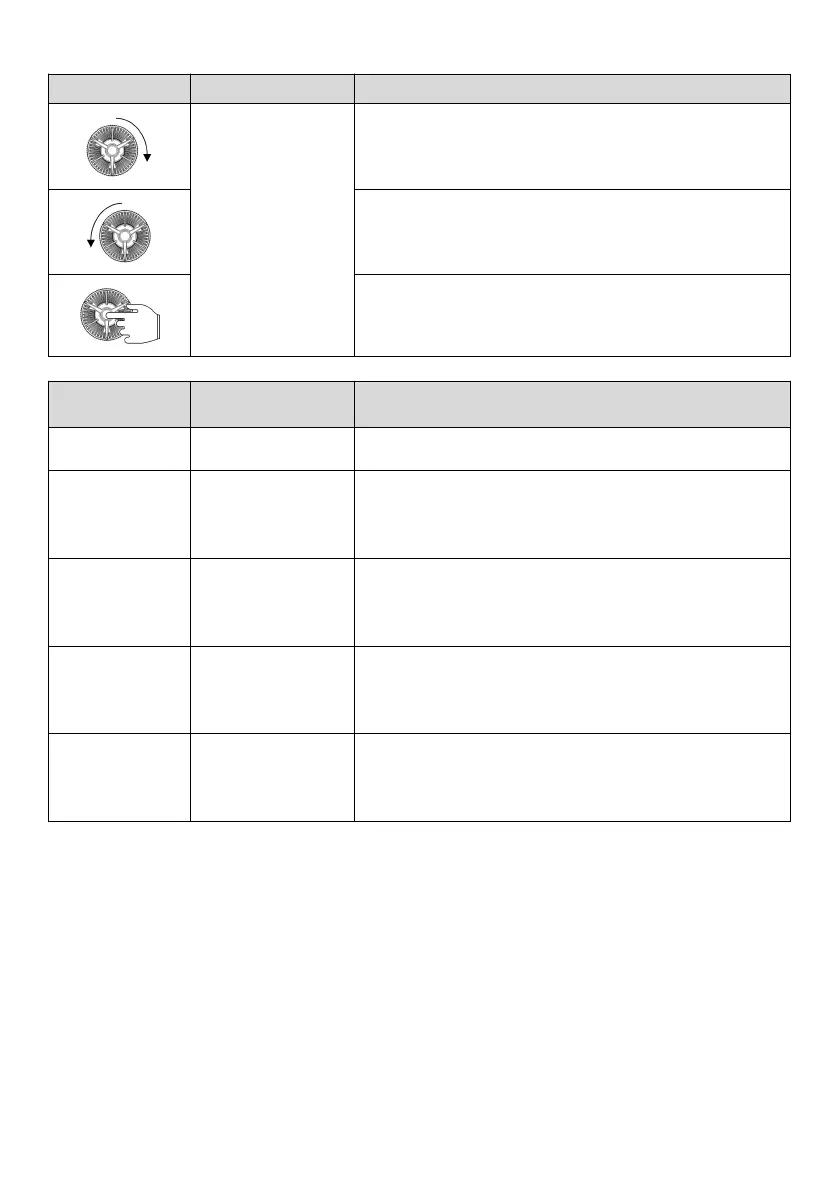
Rotate it clockwise, then the data or function code increases
Rotate it counterclockwise, then the data or function code decreases
Press the shuttle button to enter the menu or confirm the data
Table 5-3 Usage of multi-function key
The M key is used as a forward JOG key, effective in three command
channels. Press and hold the key, then the drive will run in the
forward JOG mode. Release the key, then the JOG stops.
The M key is used as a reverse JOG key, effective in three command
channels. Press and hold the key, then the drive will run in the
reverse JOG mode. Release the key, then the JOG stops.
The M key is used as the key for FWD and REV switchover, only
available in the operating panel command channel, effective during
both running and stop.
Command channel
switchover 1
The M key is used as the key for operation command channel
switchover, only effective during stop. The channel is cyclically
switched from local, terminal to remote.
5.1.1.3 Status display of operating panel
The display status of the MV820 operating panel includes stop status parameter display, run status parameter display,
function code parameter editing status display and fault status display.
(1) Stop parameter display status
When the drive is in stop, the operating panel displays the stop status parameters, as shown in Fig. 5-2a. The unit LED
indicates the unit of parameters.



 To Next Page