90
Chapter 4 Congure the Router in Wireless Router Mode
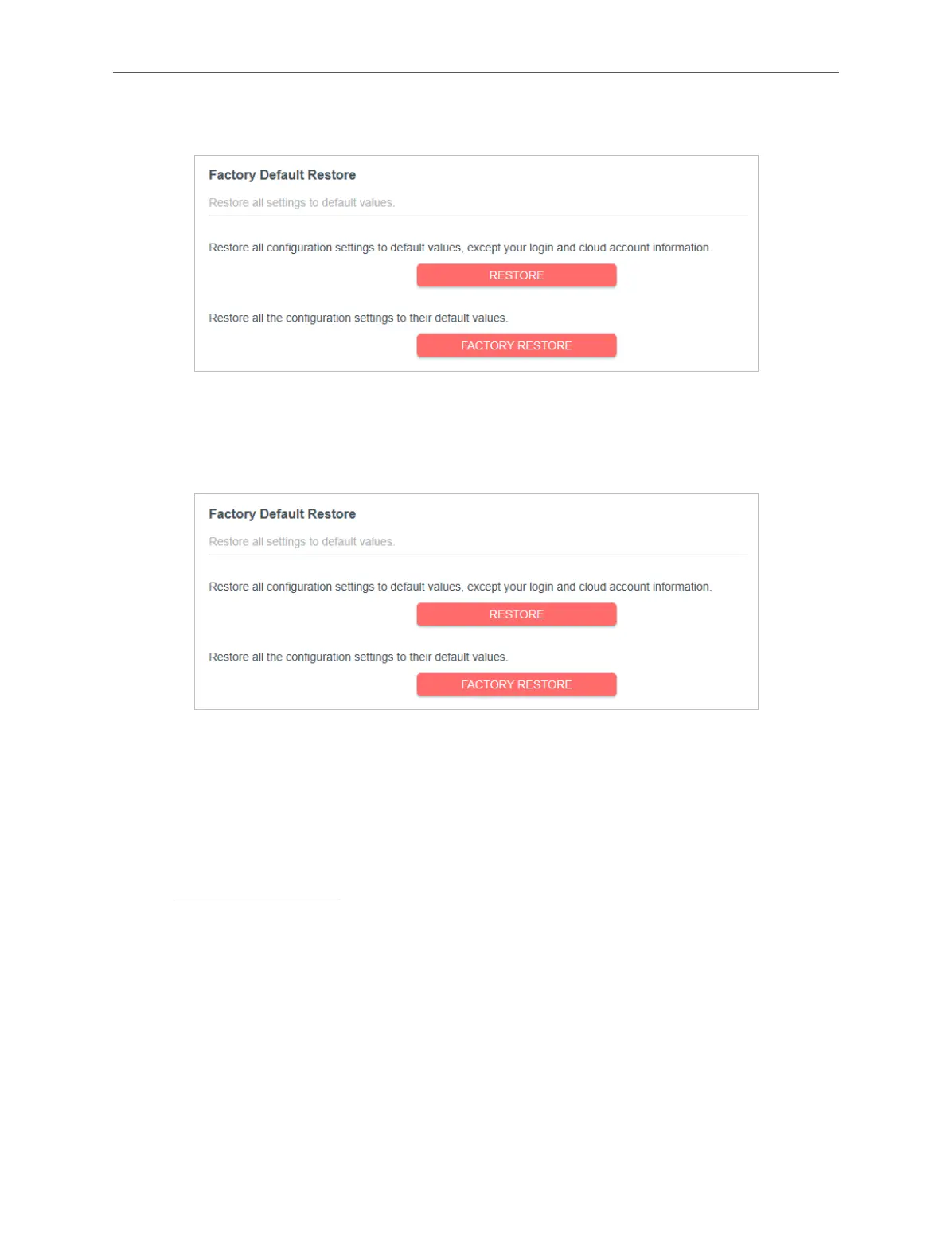
1. In the Factory Default Restore section, click RESTORE.
2. Wait a few minutes for the resetting and rebooting.
To reset the router to factory default settings:
1. Click FACTORY RESTORE to reset the router.
2. Wait a few minutes for the restoring and rebooting.
Note:
• During the resetting process, do not turn o or reset the router.
• We strongly recommend you back up the current conguration settings before resetting the router.
4. 13. 3. Change Password
1. Visit http://mwlogin.net, and log in with your Mercusys ID or the password you set
for the router.
2. Go to Advanced > System > Administration, and focus on the Change Password
section.



 To Next Page