111
Chapter 5
Congure the Router in Access Point Mode
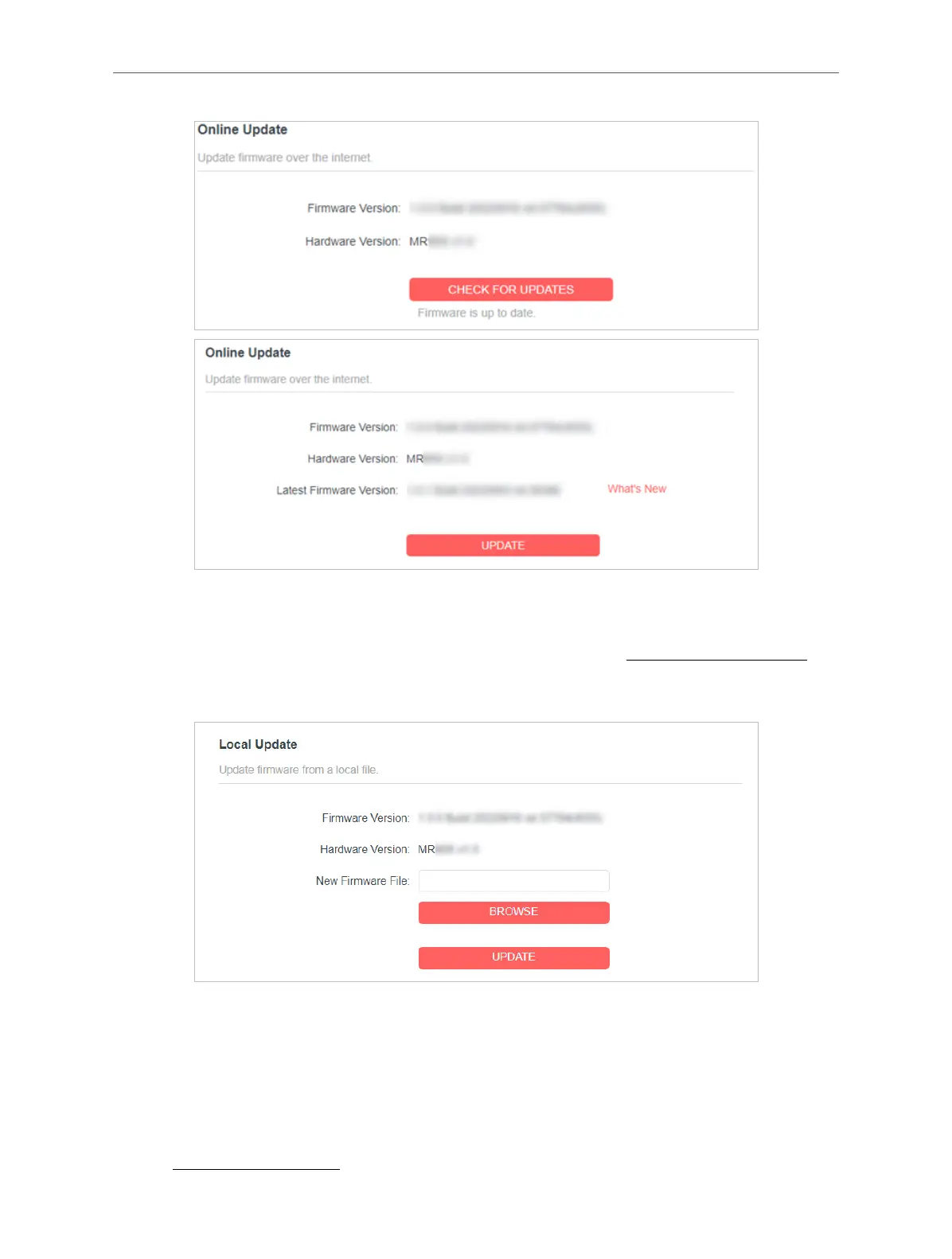
• Local Update
1 ) Download the latest rmware le for the router from www.mercusys.com.
2 ) Click BROWSE to locate the downloaded rmware le, and click UPDATE.
5. 4. Backup & Restore
The conguration settings are stored as a conguration le in the router. You can
backup the conguration le in your computer for future use and restore the router
to the previous settings from the backup le when needed.
1. Visit http://mwlogin.net, and log in with your Mercusys ID or the password you set



 To Next Page