30
Chapter 4 Congure the Router in Wireless Router Mode
6. Check the Routing Table below. If you can nd the entry you’ve set, the static
routing is set successfully.
4. 4. Mercusys ID
1. Visit http://mwlogin.net, and log in with your Mercusys ID or the password you set
for the router.
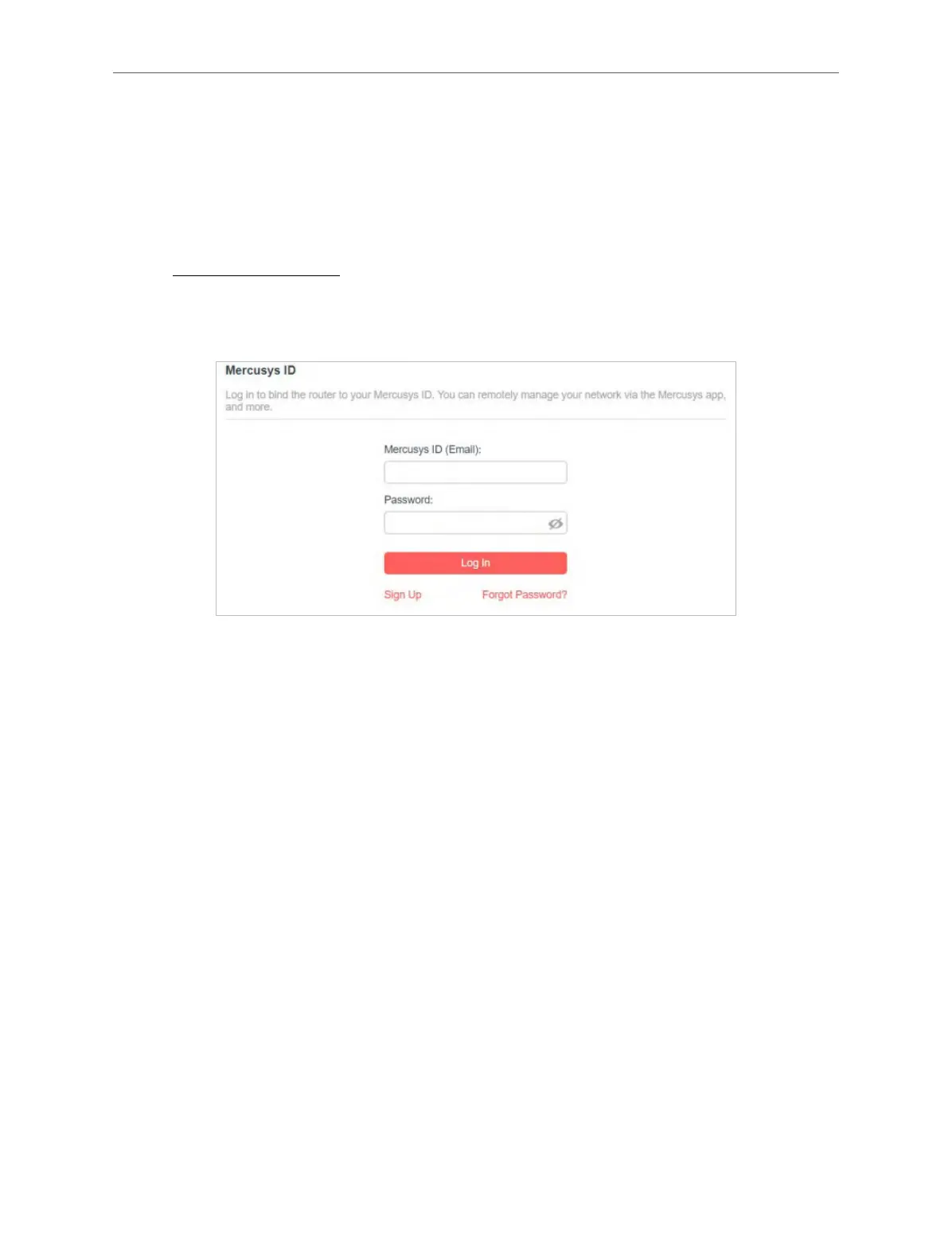
2. Go to Advanced > Mercusys ID.
3. Log in with your Mercusys ID. You can manage the account information and bind
more accounts to manage the network.
Note: If you don’t have an account, sign up rst.



 To Next Page