22
Chapter 4 Congure the Router in Wireless Router Mode
Note:
• You can only use the MAC Address Clone function for PCs on the LAN.
• If you have changed the WAN MAC address when the WAN connection is PPPoE, it will not take eect until the connection is
re-established.
4. 3. 4. NAT
The router’s NAT (Network Address Translation) feature makes devices on the LAN
use the same public IP address to communicate with devices on the internet, which
protects the local network by hiding IP addresses of the devices.
1. Visit http://mwlogin.net, and log in with your Mercusys ID or the password you set
for the router.
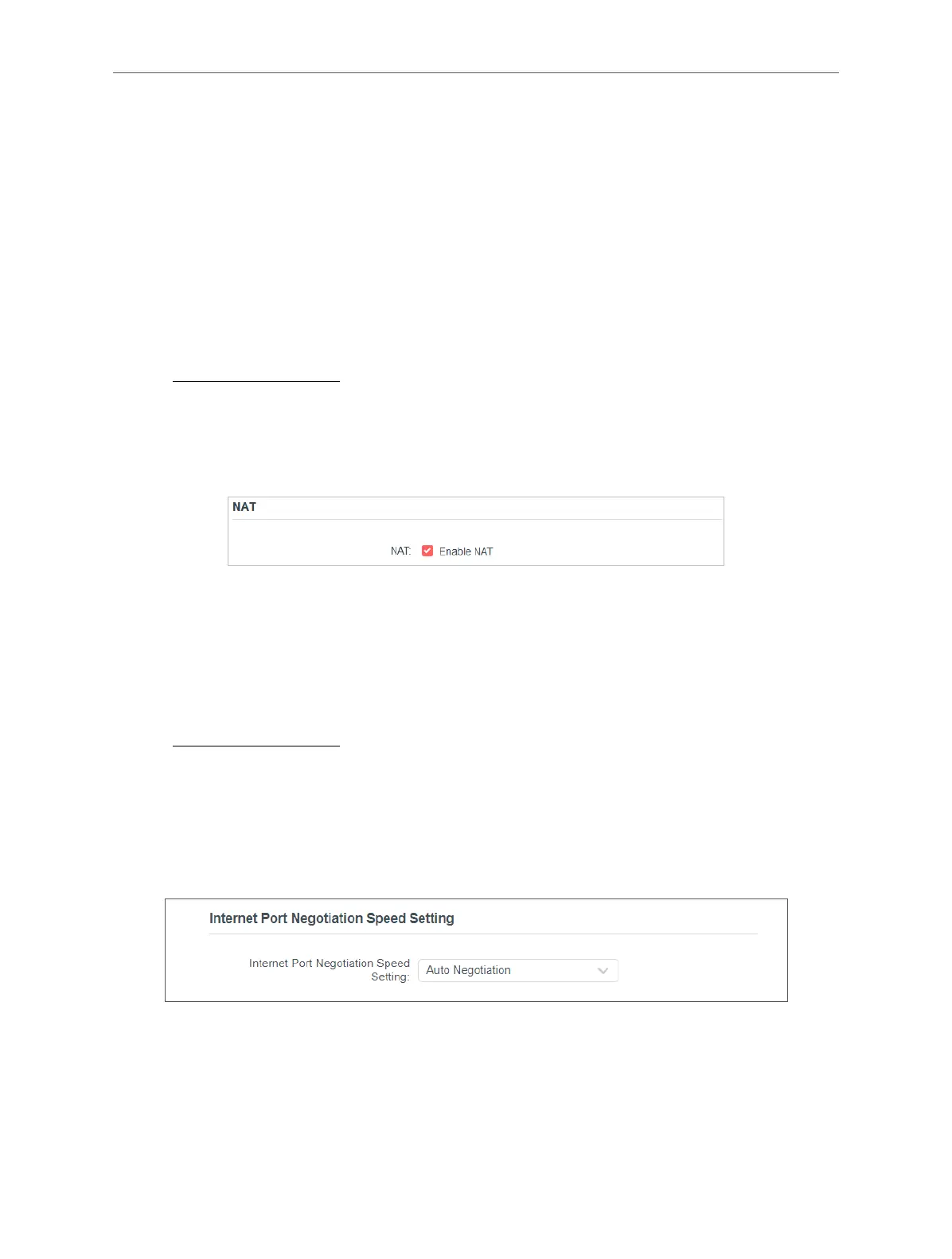
2. Go to Advanced > Network > Internet and locate the NAT section.
3. Congure NAT, then click SAVE.
4. NAT is enable by dafault and it’s highly recommended. If you disable it, you may
have no access to the internet and NAT Forwarding will not take eect.
4. 3. 5. Internet Port Negotiation Speed Setting
1. Visit http://mwlogin.net, and log in with your Mercusys ID or the password you set
for the router.
2. Go to Advanced > Network > Internet and locate the Internet Port Negotiation
Speed Setting section.
3. Select the duplex type from the drop-down list and click SAVE.
4. 3. 6. Flow Controller
With Flow Controller enabled, when a device gets overloaded it will send a PAUSE
frame to notify the peer device to stop sending data for a specied period of time,
thus avoiding the packet loss caused by congestion.



 To Next Page