119
Chapter 5
Congure the Router in Access Point Mode
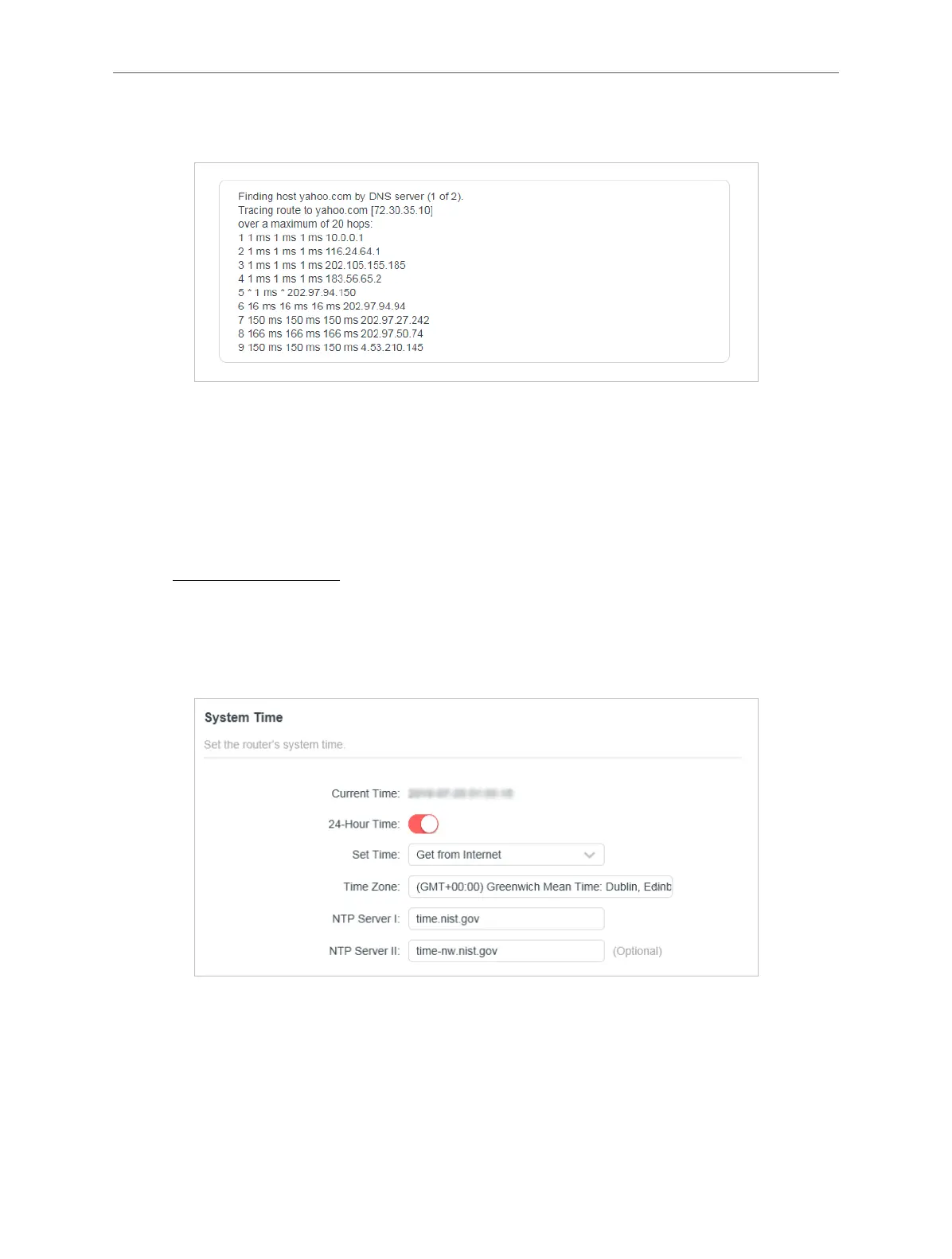
server (www.Yahoo.com) tested through Traceroute.
5. 8. Time
This function allows you to set the time manually or to congure automatic time
synchronization. The router can automatically update the time from an NTP server
via the internet.
1. Visit http://mwlogin.net, and log in with your Mercusys ID or the password you set
for the router.
2. Go to System > Time & Language.
• To set System Time:
1. In the System Time section, select the way in which the router gets its time: Get
from Internet, Get from Managing Device, Manually.
2. Select your local Time Zone.
3. Enter the address or domain of the NTP Server I or NTP Server II.
4. Click SAVE.



 To Next Page