85
Chapter 4 Congure the Router in Wireless Router Mode
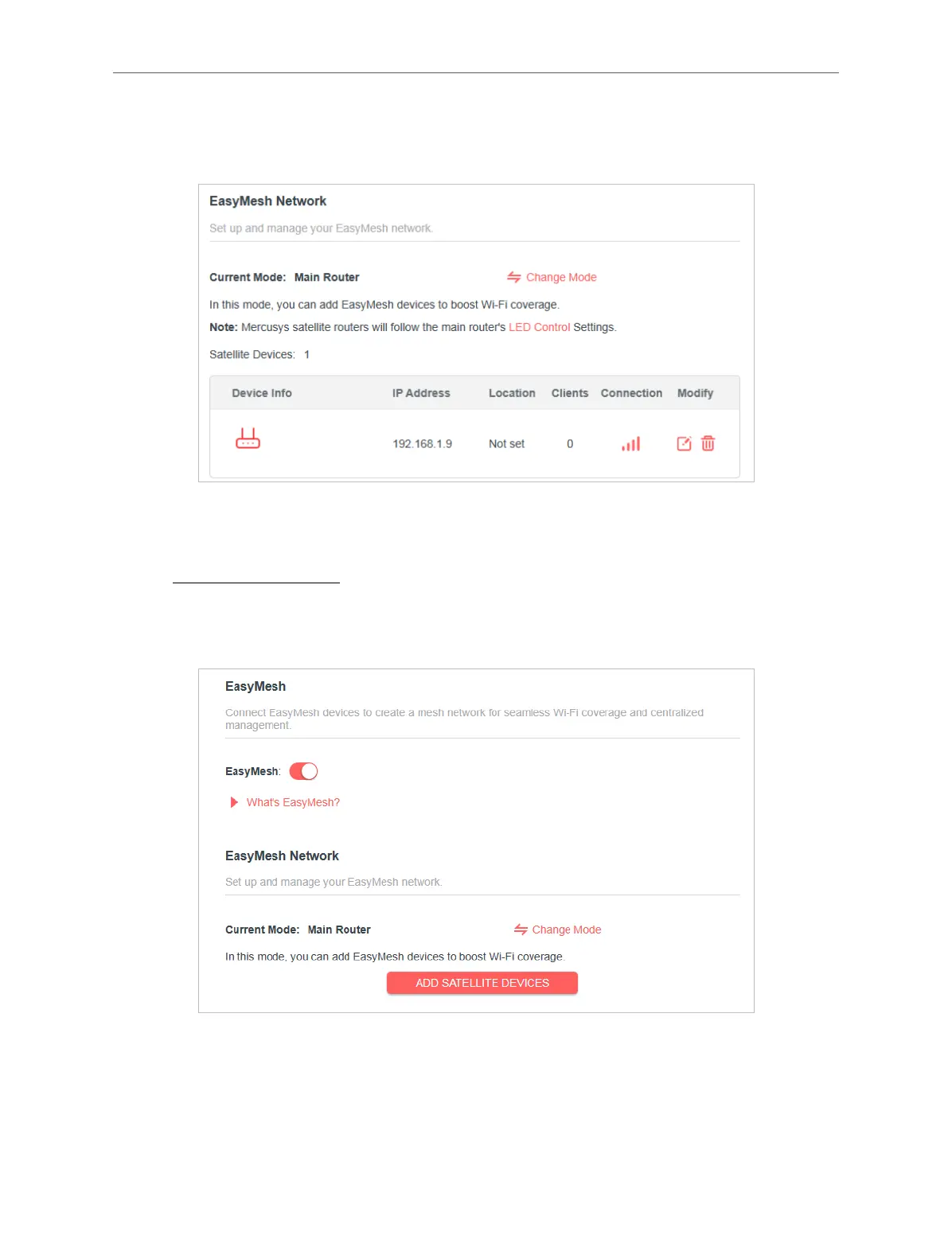
5. Click ADD. When prompted “This device has been added successfully“, click OK,
then click FINISH. Then you can check the mesh device on the router’s web page.
4. 12. 2. Add a Range Extender as a Satellite Device
1. Visit http://mwlogin.net, and log in with your Mercusys ID or the password you set
for the router.
2. Go to Advanced > EasyMesh, and enable EasyMesh.
3. Plug in the extender next to the main router.
4. With in 2 minutes, press the WPS button on main router and on the extender. Wait
until the WPS process is complete.
5. Done! You can check the mesh device on the router’s web page too.



 To Next Page