109
Chapter 5
Congure the Router in Access Point Mode
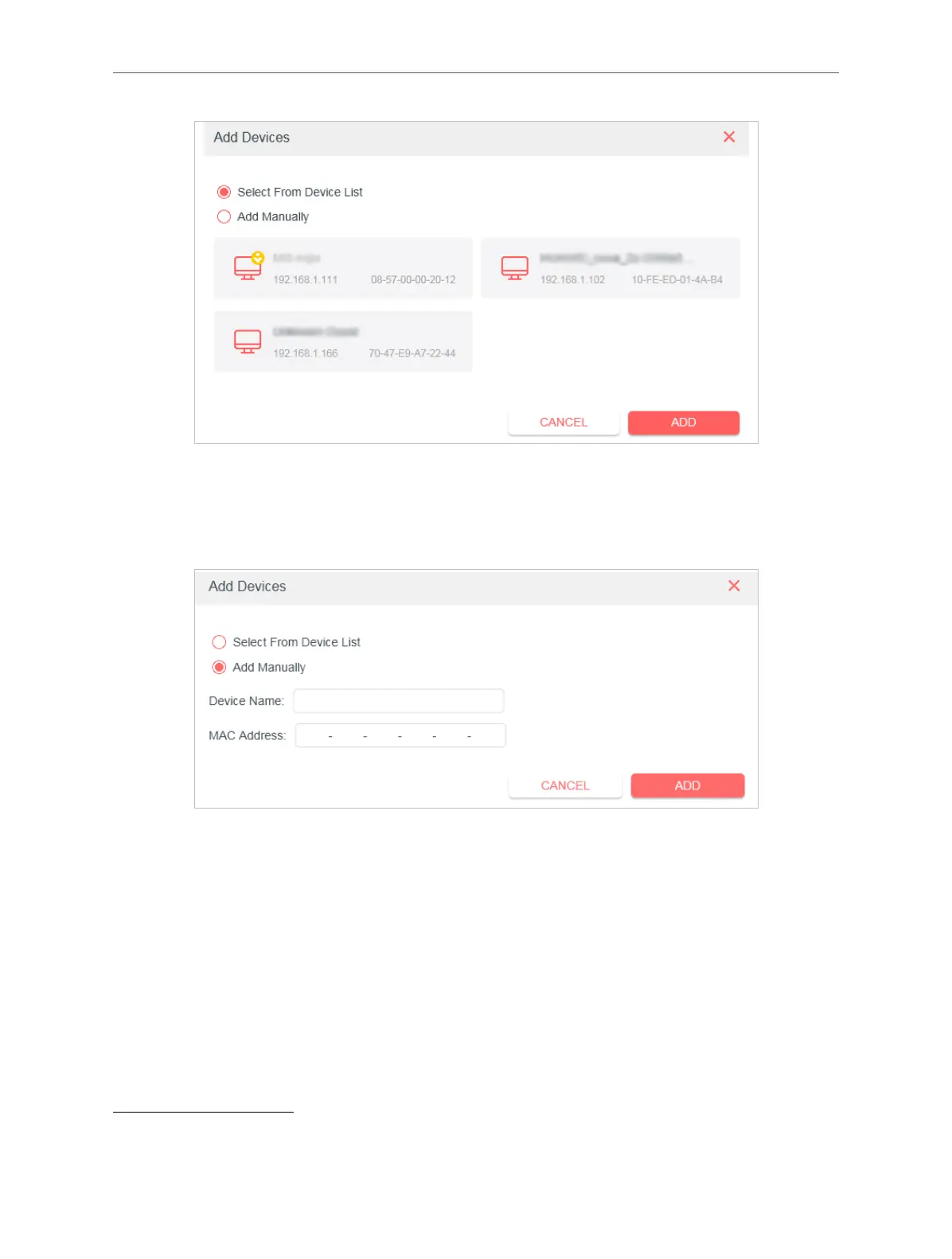
• Add unconnected devices
Click Add Manually and enter the Device Name and MAC Address of the device
you want to be allowed.
Done!
Now you can block or allow specic client devices to access your network (via wired
or wireless) using the Deny List or Allow List.
5. 3. Firmware Upgrade
Mercusys is dedicated to improving and richening the product features, giving users
a better network experience. We will release the latest rmware at Mercusys ocial
website
www.mercusys.com. You can download the latest rmware le from the Support
page of our website and upgrade the rmware to the latest version.
Note:



 To Next Page