116
Chapter 5
Congure the Router in Access Point Mode
5. 6. System Log
1. Visit http://mwlogin.net, and log in with your Mercusys ID or the password you set
for the router.
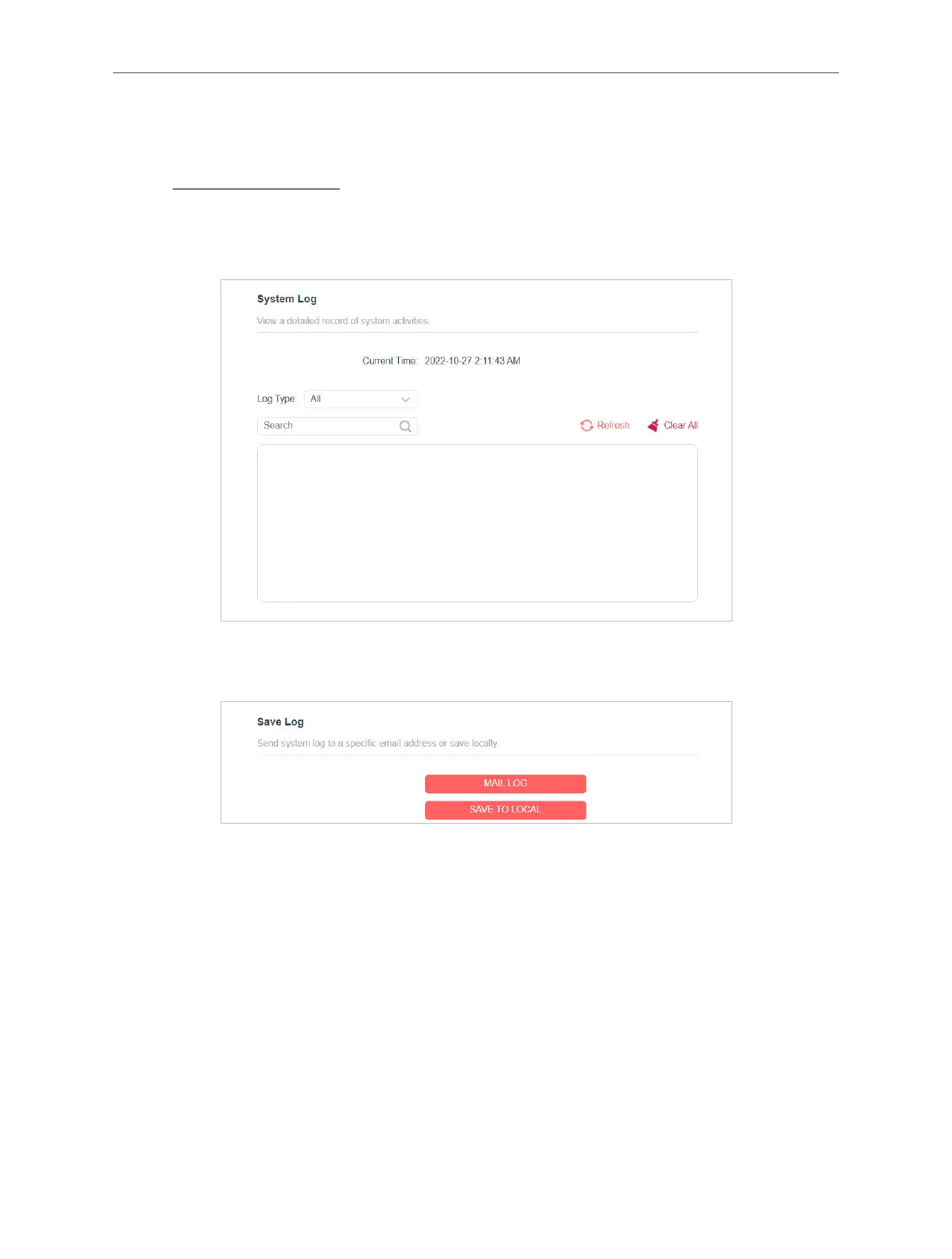
2. Go to System > System Log, and you can view the logs of the router.
3. Click SAVE TO LOCAL to save the system logs to a local disk.
4. If you want to send the system log to your mailbox, click MAIL LOG and congure
the mail settings.



 To Next Page