56
Chapter 4 Congure the Router in Wireless Router Mode
4. 9. 5. Device Isolation
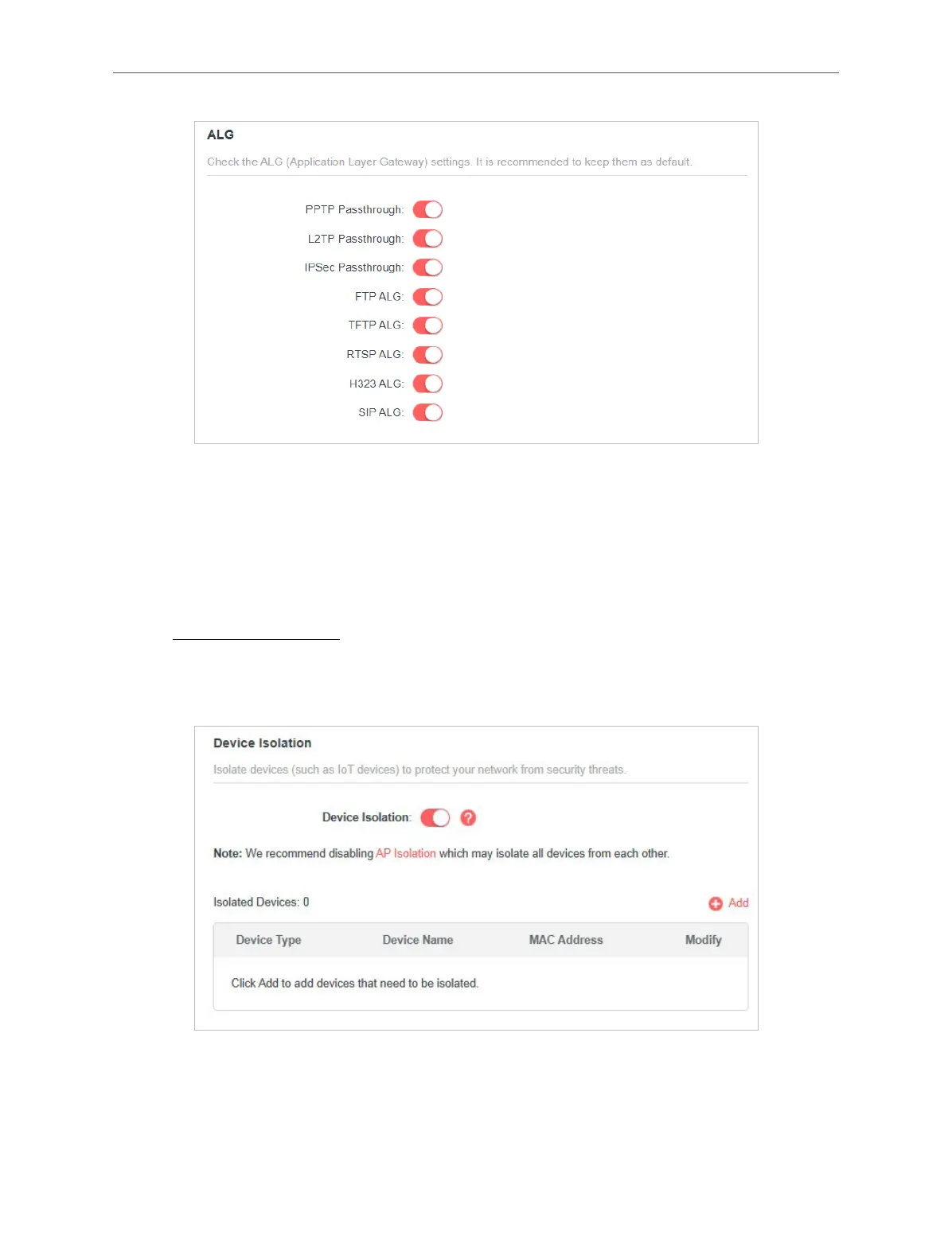
Some devices, such as IoT devices, are vulnerable to security threats. To keep your
important devices and data safe, you can isolate these devices to protect your
network from being infected.
1. Visit http://mwlogin.net, and log in with your Mercusys ID or the password you set
for the router.
2. Go to Advanced > Security > Device Isolation.
3. Click +Add to add your IoT devices.



 To Next Page