102
Chapter 4 Congure the Router in Wireless Router Mode
3. Click SAVE.
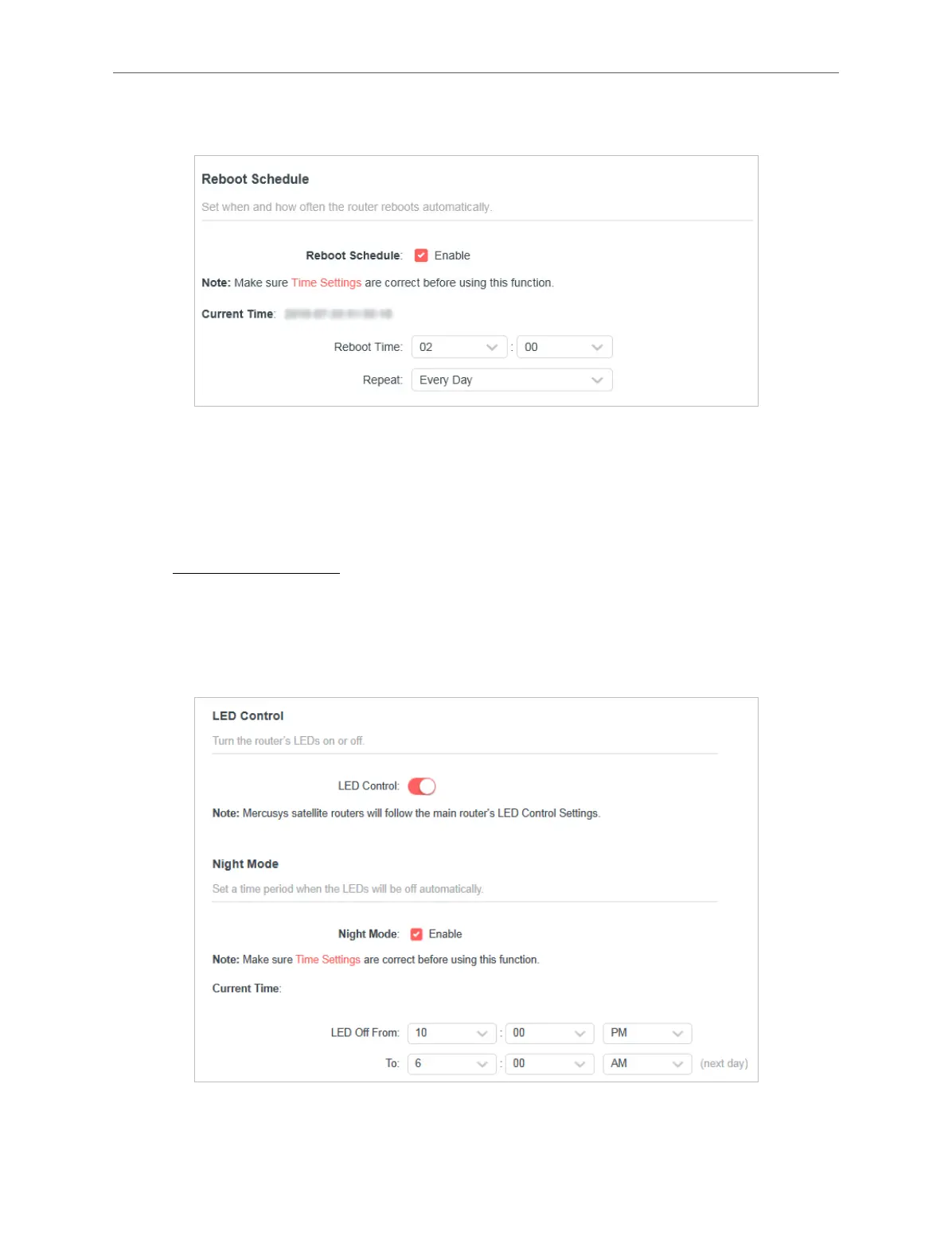
4. 13. 12. LED Control
The LED of the router indicates its activities and status. You can enable the Night
Mode feature to specify a time period during which the LED is o.
1. Visit http://mwlogin.net, and log in with your Mercusys ID or the password you set
for the router.
2. Go to Advanced > System > LED Control.
3. Enable Night Mode.
4. Specify the LED o time, and the LED will be o during this period every day.
Note: The eective LED o time is based on the time of the router. You can go to Advanced > System > Time to modify the
time.



 To Next Page