101
Chapter 4 Congure the Router in Wireless Router Mode
4. 13. 10. Language
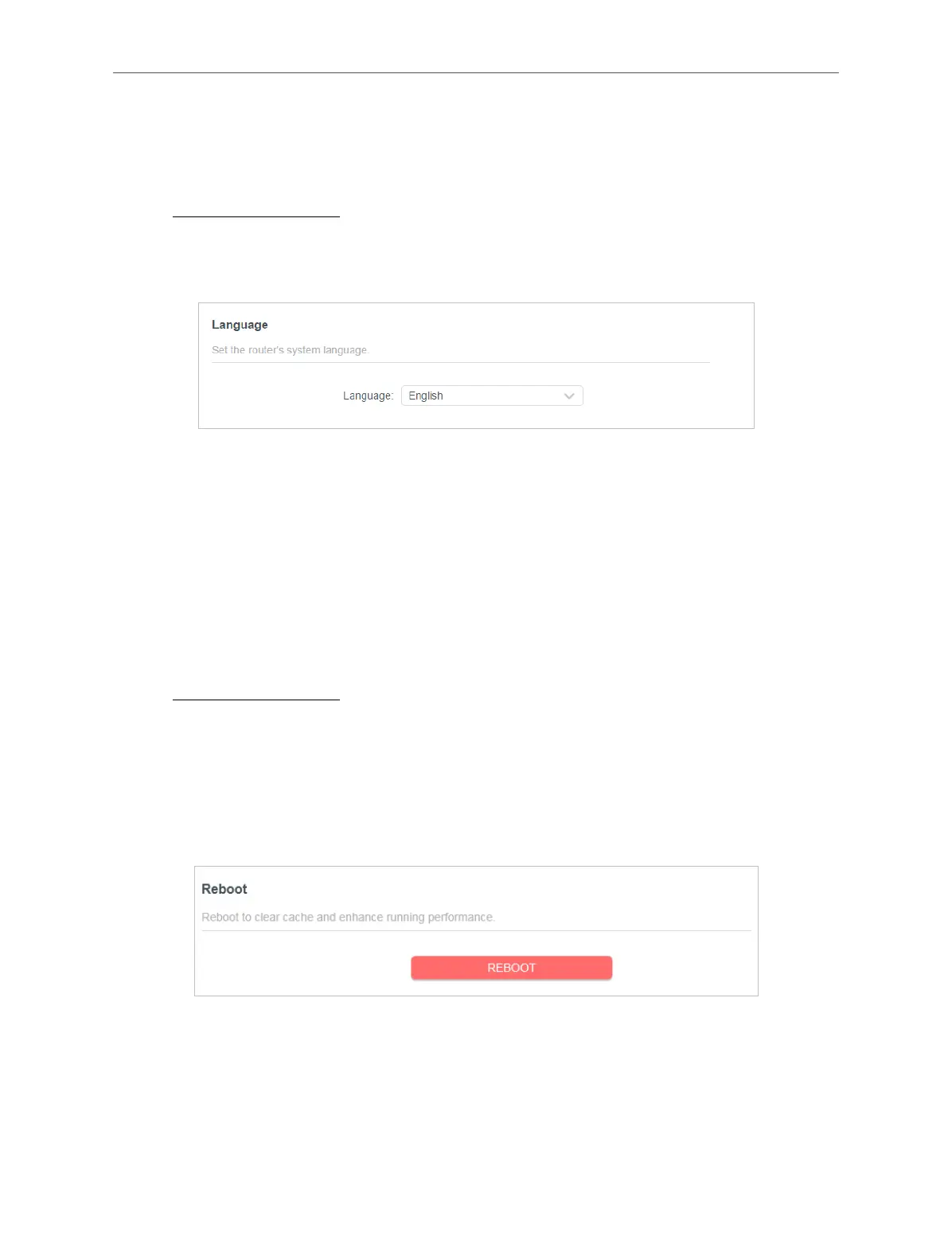
This function allows you to set the language for the system.
1. Visit http://mwlogin.net, and log in with your Mercusys ID or the password you set
for the router.
2. Go to Advanced > System > Time & Language.
3. In the Language section, choose your desired language.
4. Click SAVE.
4. 13. 11. Reboot
Some settings of the router will take eect only after rebooting, and the system will
reboot automatically. You can also reboot the router to clear cache and enhance
running performance.
1. Visit http://mwlogin.net, and log in with your Mercusys ID or the password you set
for the router.
2. Go to Advanced > System > Reboot, and you can restart your router.
• To reboot the router manually:
Click REBOOT, and wait a few minutes for the router to reboot.
• To set the router to reboot regularly:
1. Tick the Enable box of Reboot Schedule.
2. Specify the Reboot Time when the router reboots and Repeat to decide how
often it reboots.



 To Next Page