07
Chapter 2
Connect to the Internet
network.
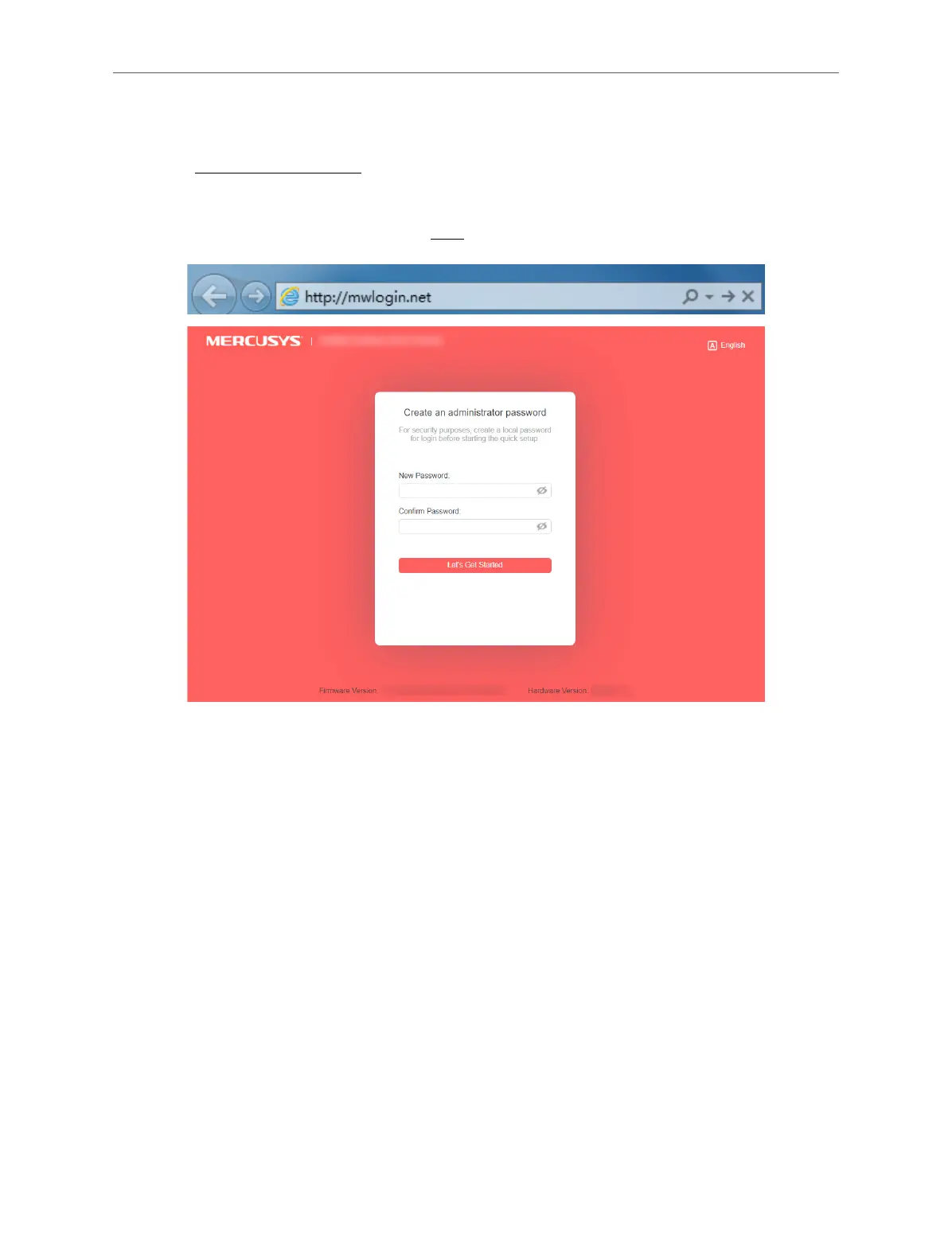
2. Enter http://mwlogin.net in the address bar of a web browser. Create a password
to log in.
Note:
If the login window does not appear, please refer to the “FAQ” section.
3. Follow the Quick Setup to complete the setup.
4. To enjoy a more complete service from Mercusys (remote management, Mercusys
DDNS, and more.), log in with your Mercusys ID to bind the cloud router.
Note: If you don’t have an account, create one rst.



 To Next Page