39
Chapter 4 Congure the Router in Wireless Router Mode
3. Follow one of the following methods to connect your client device to the router’s
Wi-Fi network.
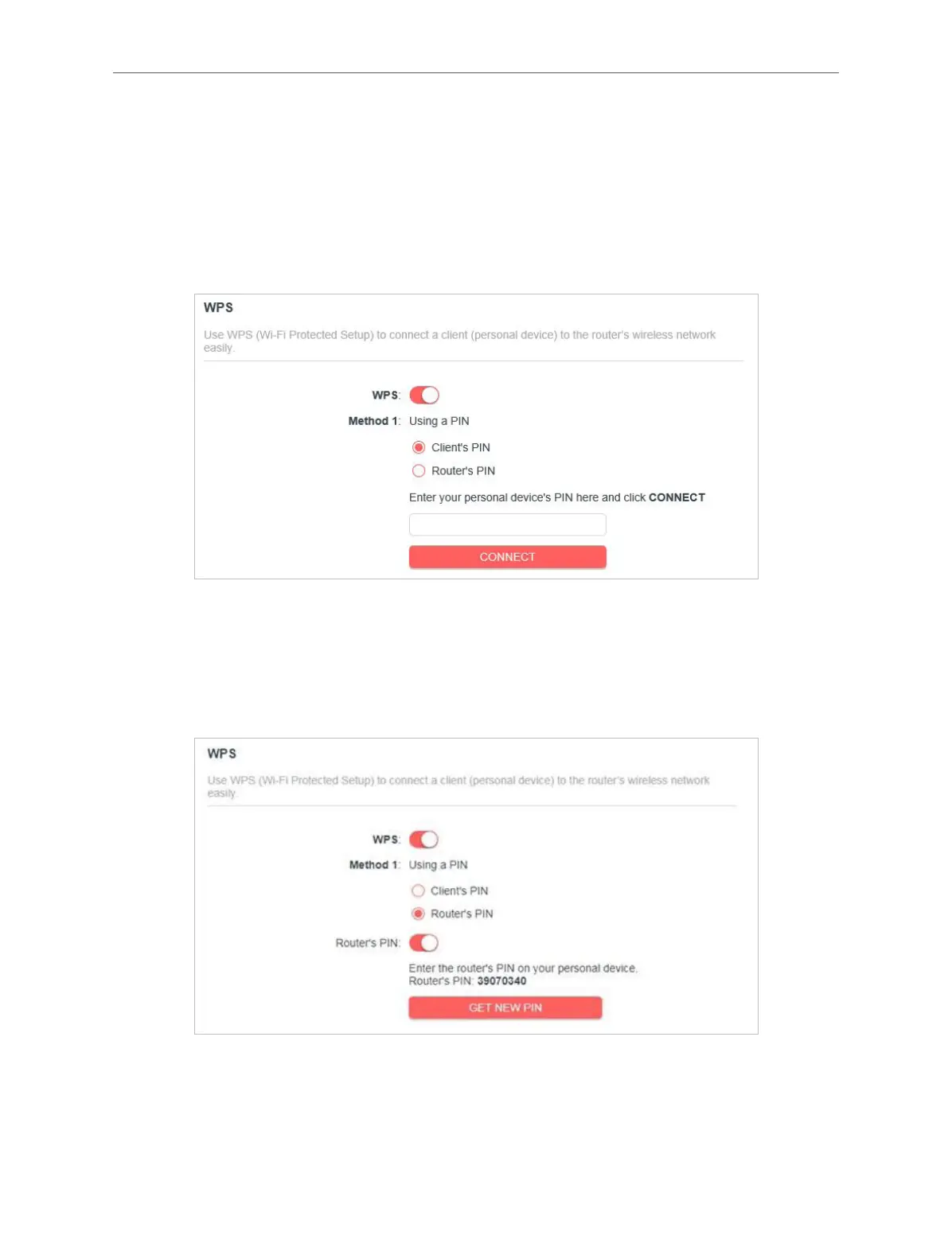
Method 1: Using a PIN
• Connects via the Client’s PIN
1. Keep the WPS Status as Enabled and select Client’s PIN.
2. Enter the PIN of your device and click CONNECT. Then your device will get
connected to the router.
• Connects via the Router’s PIN
1. Keep the WPS Status as Enabled and select Router’s PIN.
2. Enter the router’s PIN on your personal device. You can also generate a new one.
Note:
PIN (Personal Identication Number) is an eight-character identication number preset to each router. WPS supported devices
can connect to your router with the PIN.



 To Next Page