70
Chapter 4 Congure the Router in Wireless Router Mode
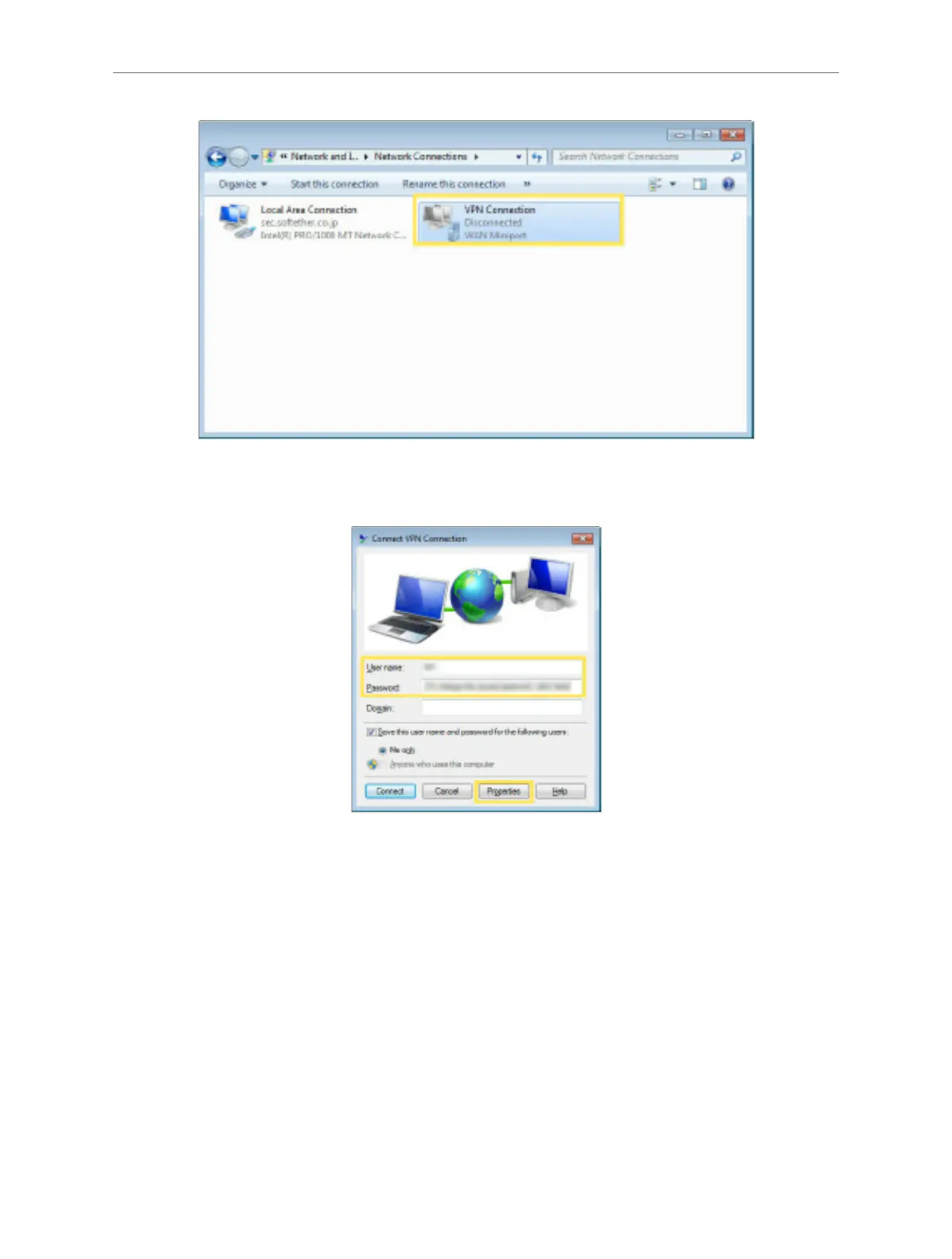
10. Enter the User name and Password you have set for the L2TP/IPSec VPN server
on your router, and click Properties.
11. Switch to the Security tab, select Layer 2 Tunneling Protocol with IPsec (L2TP/
IPSec) and click Advanced settings.



 To Next Page