88
Chapter 4 Congure the Router in Wireless Router Mode
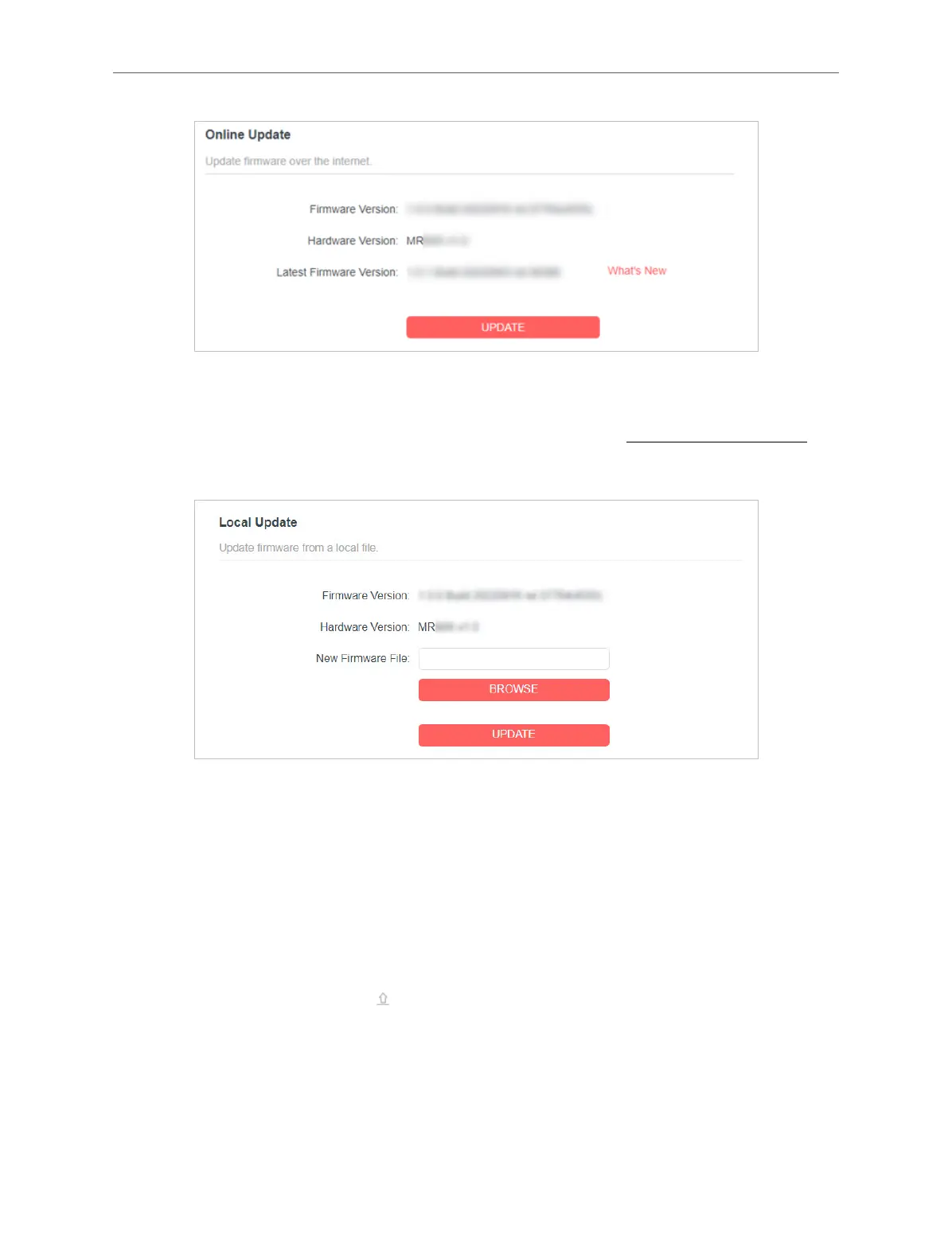
• Local Update
1 ) Download the latest rmware le for the router from www.mercusys.com.
2 ) Click BROWSE to locate the downloaded rmware le, and click UPDATE.
• EasyMesh Satellite Update
EasyMesh Satellite Update allows you to remotely check and update the rmware of
the satellite devices connected to this router via EasyMesh.
1 ) Locate the EasyMesh Satellite Update section.
2 ) The router’s satellite devices will appear on the table. Click CHECK FOR
UPDATES to see whether the latest rmware is released. If you want to update
a satellite device, click on the right of the corresponding device.
Note: The update will take a few minutes and the satellite device will reboot.



 To Next Page