42
AQUALAB 3
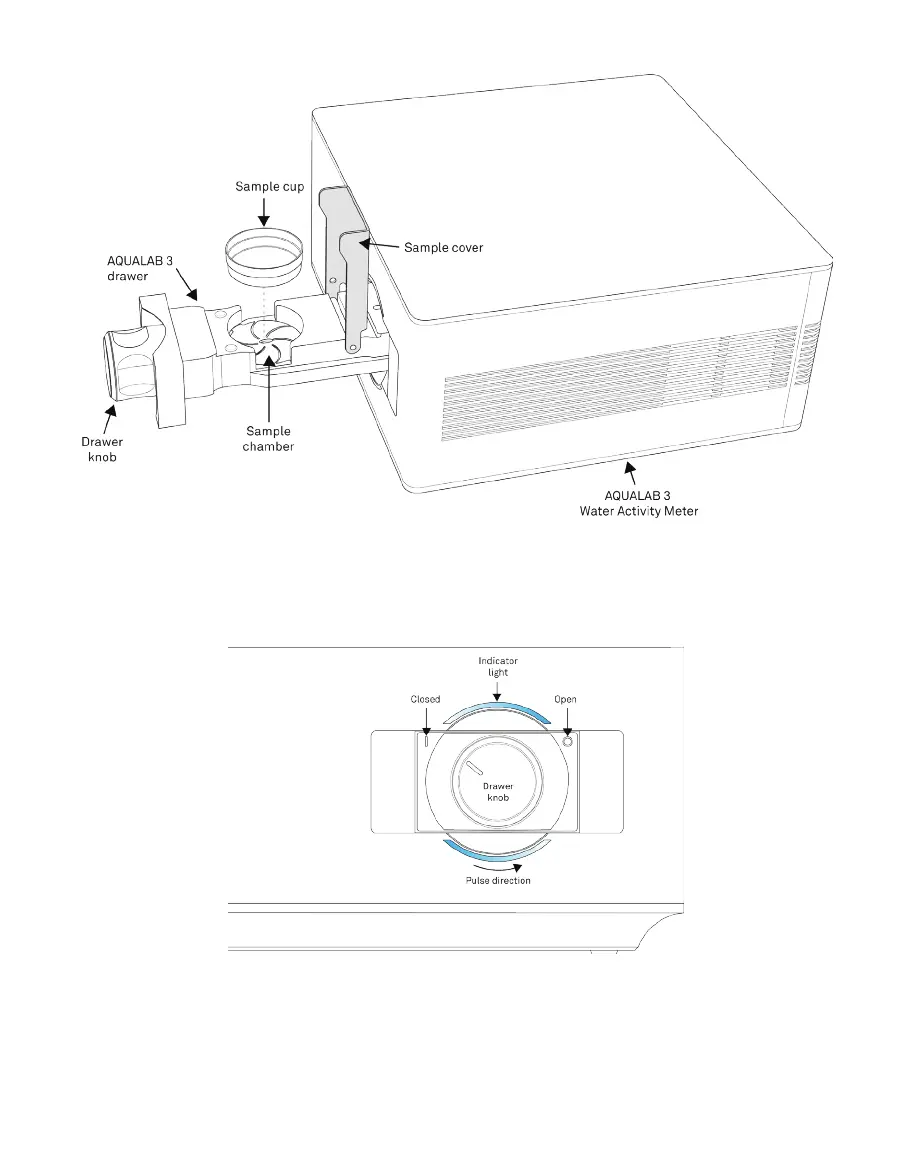
Figure53 AQUALAB3 Drawer Pulled Out
10. Choose method (a) or (b) described below to start the reading.
a. Turn the drawer knob counterclockwise (left) to the Closed position to begin the reading
(Figure54).
Figure54 Front-panel drawer knob
This will automatically start the test.
The AQUALAB3 will start the reading and a slow pulsing blue light will show on the
front panel while the reading is in progress. A Reading in Progress message will
appear on the app screen.



 To Next Page