Manual Corvus-eco
Starting up 35
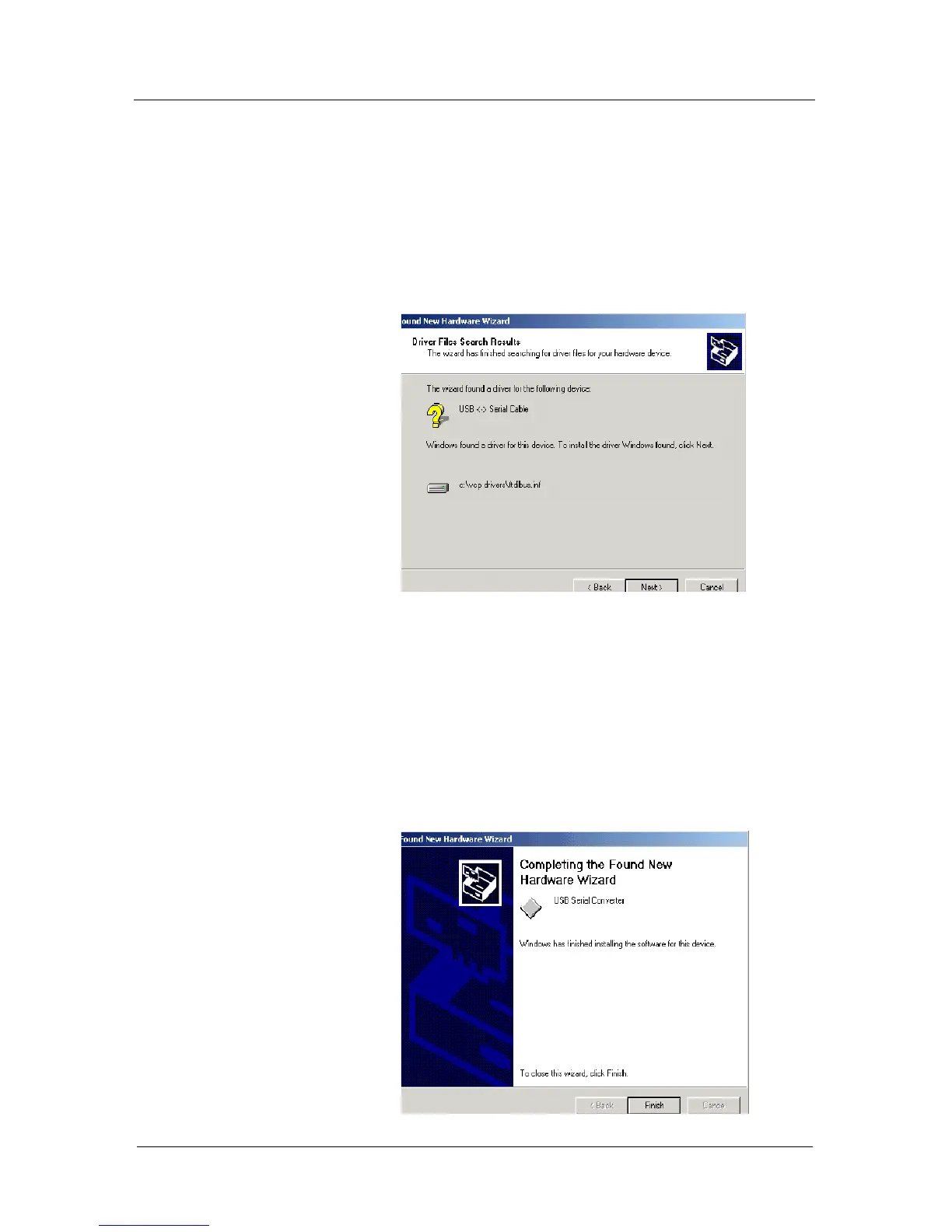
• Locate the folder containing the latest drivers down-
loaded from the FTDI website above and click "Open",
then click "OK". The PC autoselects the correct INF
file, in this case
FTDIBUS.INF. Once Windows has found the required
driver.INF file, click "Next" to proceed.
• Windows should then display a message indicating
that the installation was successful. Click "Finish" to
complete the installation. This has installed the serial
converter. The COM port emulation driver must be
installed after this has completed.



 To Next Page