Manual Corvus-eco
Starting up 36
• After clicking "Finish", the Found New Hardware Wiz-
ard will continue by installing the COM port emulation
driver. The procedure is the same as that above for
installing the serial converter driver, except the PC will
autoselect the FTDIPORT.INF file.
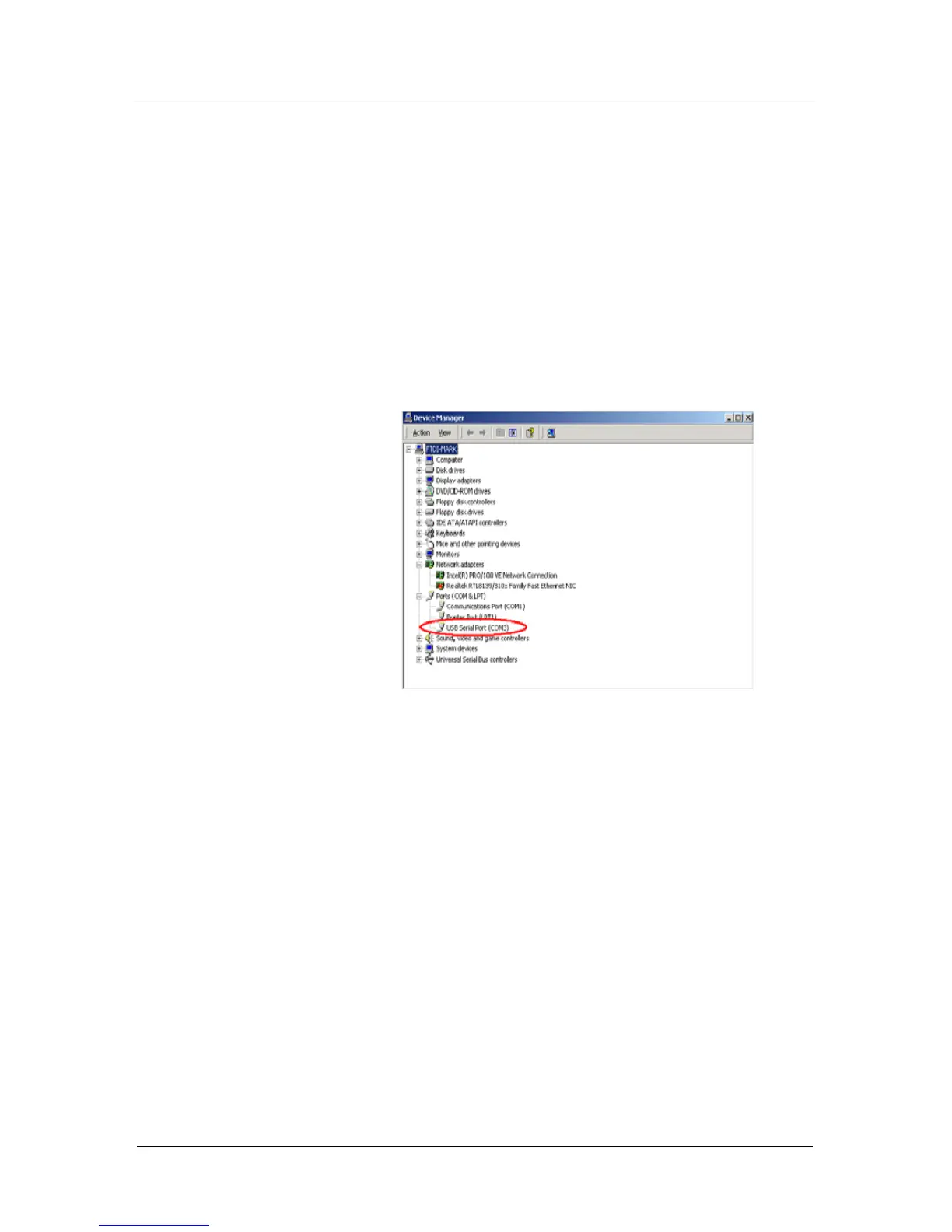
• Open the Device Manager (located in "Control
Panel\System" then select the "Hardware" tab and
click "Device Manager…") and select "View > Devices
by Type". The device appears as an additional COM
port with the label "USB Serial Port".



 To Next Page