Manual Corvus-eco
Starting up 40
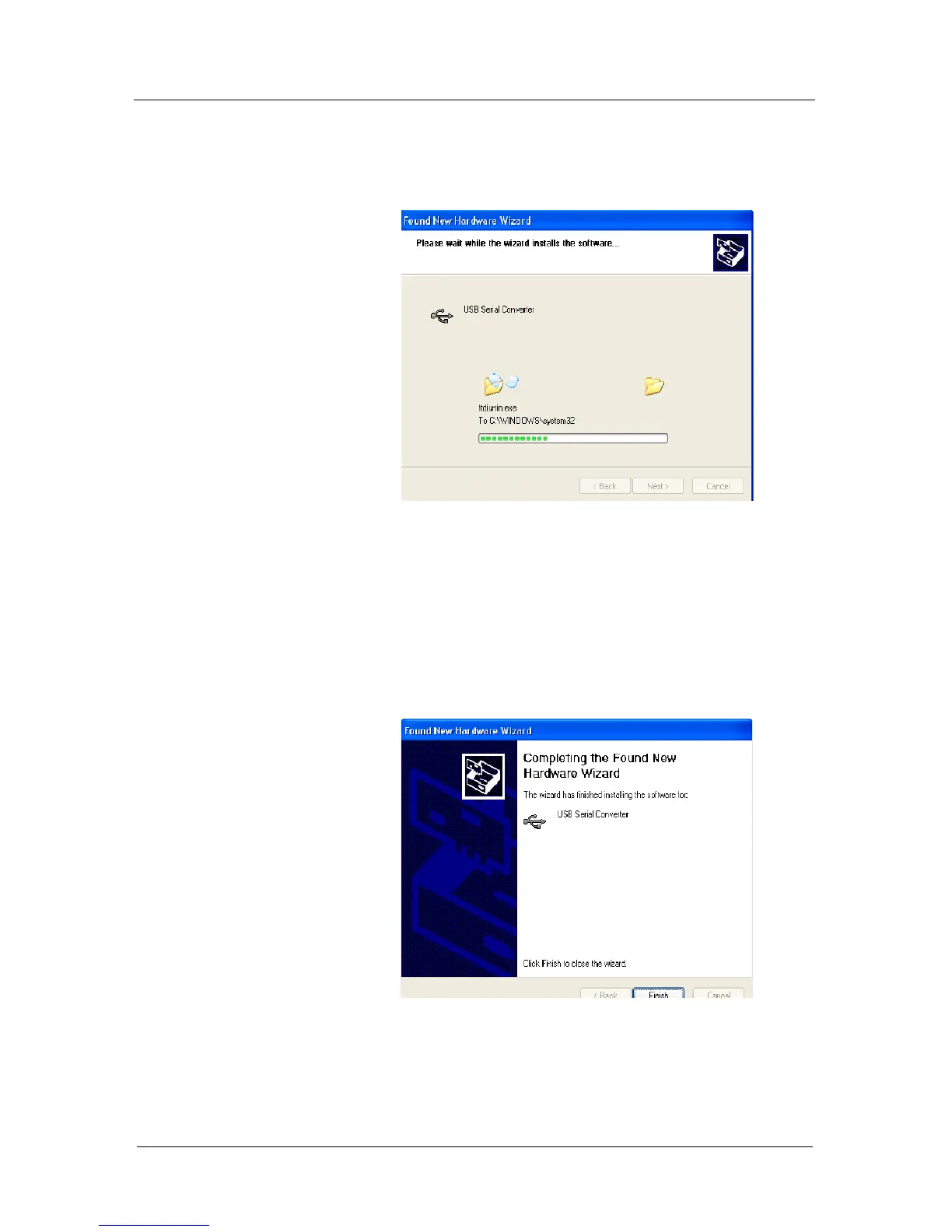
• The following screen will be displayed as Windows XP
copies the required driver files.
• Windows should then display a message indicating
that the installation was successful. Click "Finish" to
complete the installation. This has installed the serial
converter. The COM port emulation driver must be
installed after this has completed.



 To Next Page