Manual Corvus-eco
Starting up 41
• After clicking "Finish", the Found New Hardware Wiz-
ard will continue by installing the COM port emulation
driver. The procedure is the same as that above for
installing the serial converter driver.
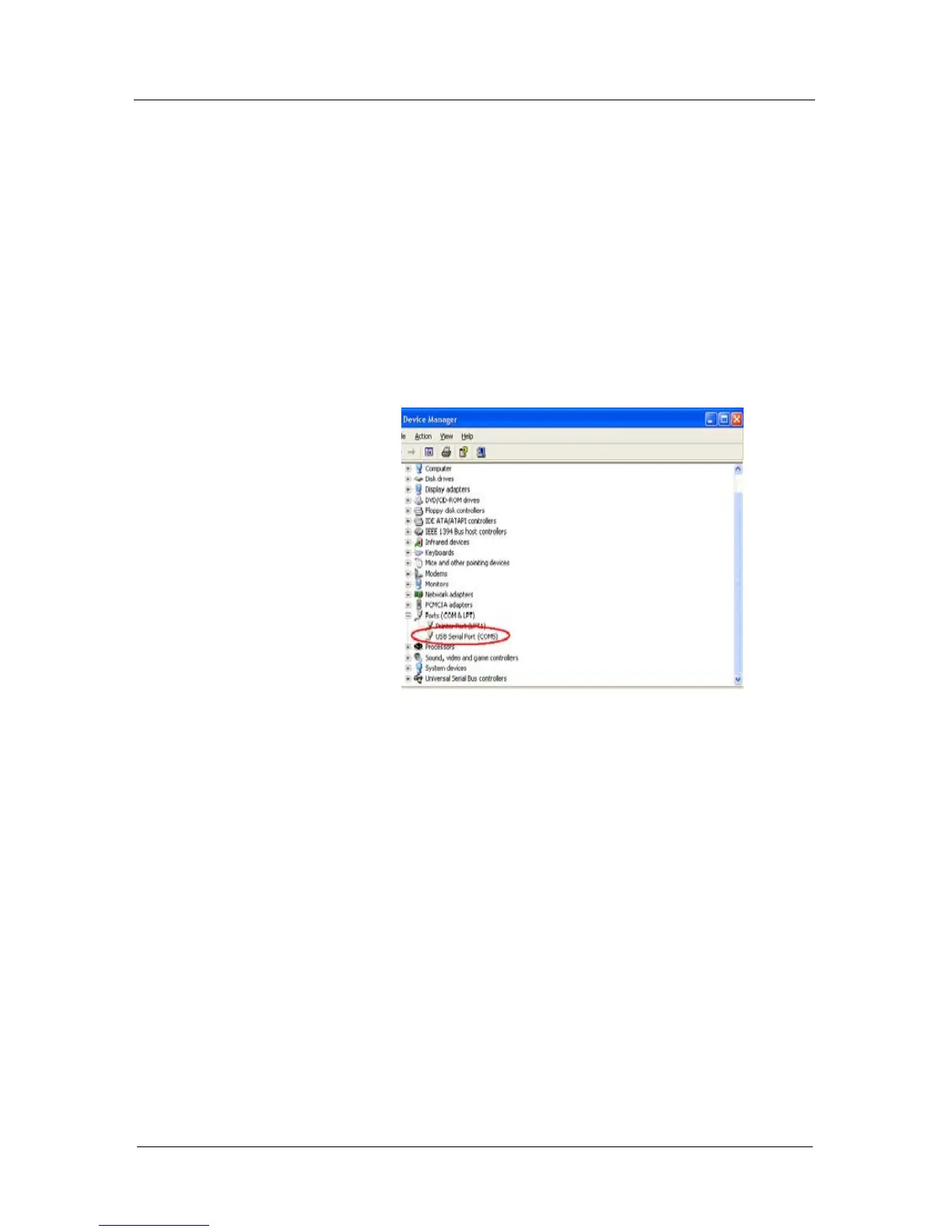
• Open the Device Manager (located in "Control
Panel\System" then select the "Hardware" tab and-
click "Device Manger") and select "View > Devices by
Type". The device appears as an additional COM port
with the label "USB Serial Port".



 To Next Page