37
Troubleshooting
Problem Possible causes What to do
The Display screen is blank.
• The power cord is not plugged
in.
• No source of electrical power.
• Main Power Fuse is blown.
• Check that the power cord is
plugged in.
• Check the source of electrical
power.
• Contact your technical support.
Low water flow or no water flow
when the Main Button is pressed
(DISPENSING mode).
• The tank is empty. The Tank
Level displays less than 10%.
No dispensing is allowed.
• The tank is not installed
correctly or not installed at all.
• Final Filter is clogged.
• Refill the tank with pretreated
water
• Push in on the tank lid to fit the
tank in place. This will allow the
water level in the tank to be
detected and properly displayed
on the Display screen.
• Replace the Final Filter, see
Section How to Replace the
Final Filter.
The last Product resistivity value is
not displayed when you press the
“-“ Button in PRE OPERATE mode.
• A measurement was not made
during DISPENSING mode or
during recirculation.
• The value is out of
measurement range.
• Dispense or recirculate water
manually to start a Product
resistivity measurement again.
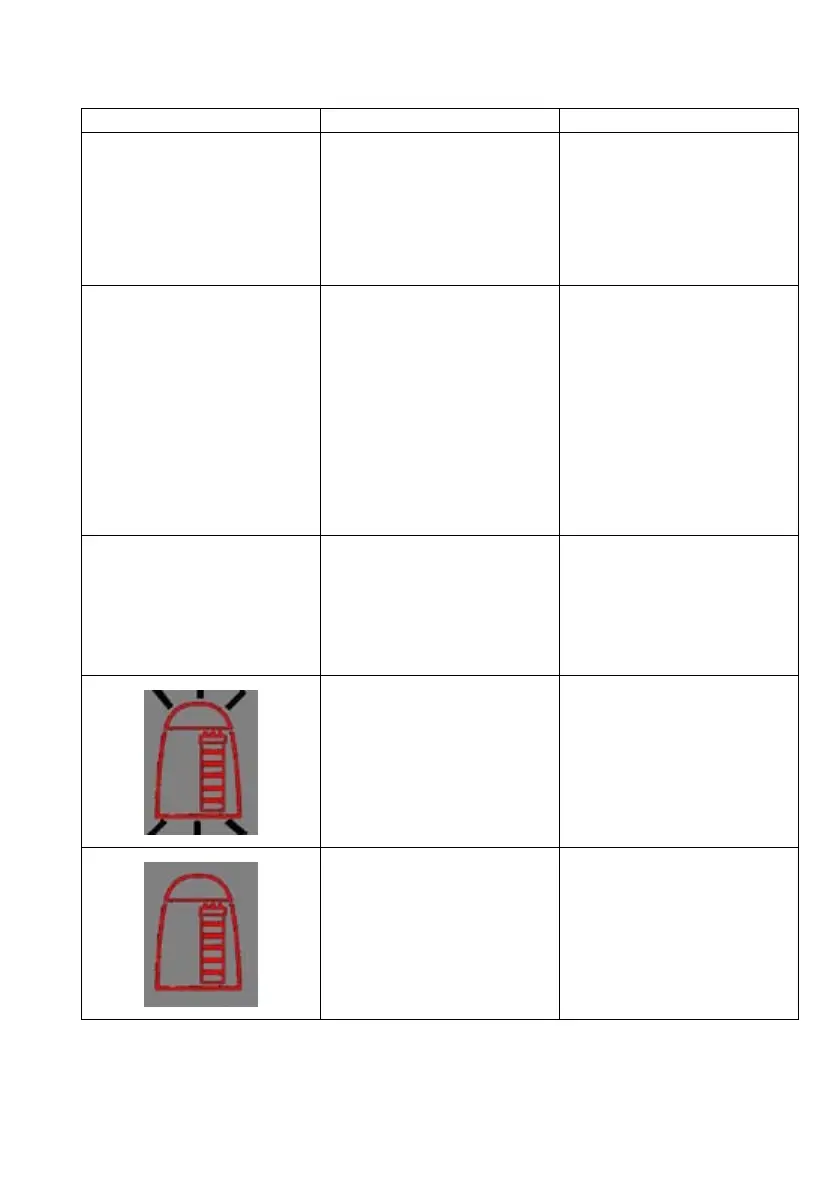
• The SimpliPak cartridge lifetime
is exhausted.
• The Product resistivity is less
than the Resistivity Setpoint set
in menu option C02.
• Replace the SimpliPak cartridge.
See
Section How to Replace the
SimpliPak
cartridge
.
• The SimpliPak is not installed
correctly or not installed at all.
• Reinstall the SimpliPak.
• If the red Pack Alarm is still
displayed, then contact your
technical support.









 To Next Page