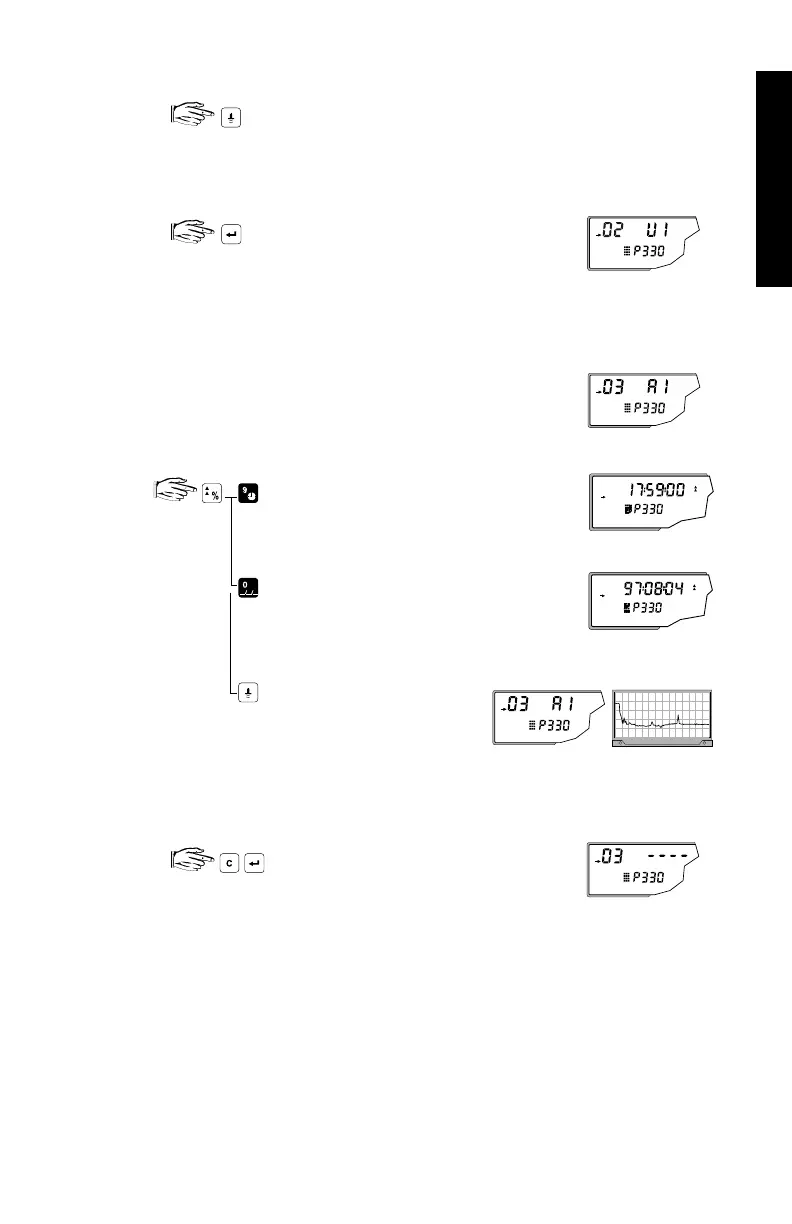
To manually record a profile:
the transducer* fires and an echo profile is
recorded into the internal scope buffer for display.
To save a manual record:
copies the echo profile record in the
scope buffer and saves it in the selected
address in the record library. The
parameter value field displays
the new record ordinates.
To display a record
displays the time when the
profile was saved
displays the date when the
profile was saved
copies the echo profile record
in the selected address to the
scope buffer, for display.
To delete a record:
deletes the echo profile record in the
selected address. Parameter value
returns to ‘ - - - - ’.
* For differential or average operation (P001 = 4 or 5), access scope
Displays (P810) parameter to select the transducer number.
e.g. manually initiated
record from transducer
1 saved in address 2
e.g. record deleted, address 3 clear
e.g. oscilloscope displays record in address 3
PARAMETERS
PL-507 101



 To Next Page