Basic Operations Getting Started
3 - 8 BP10 Operator’s Manual
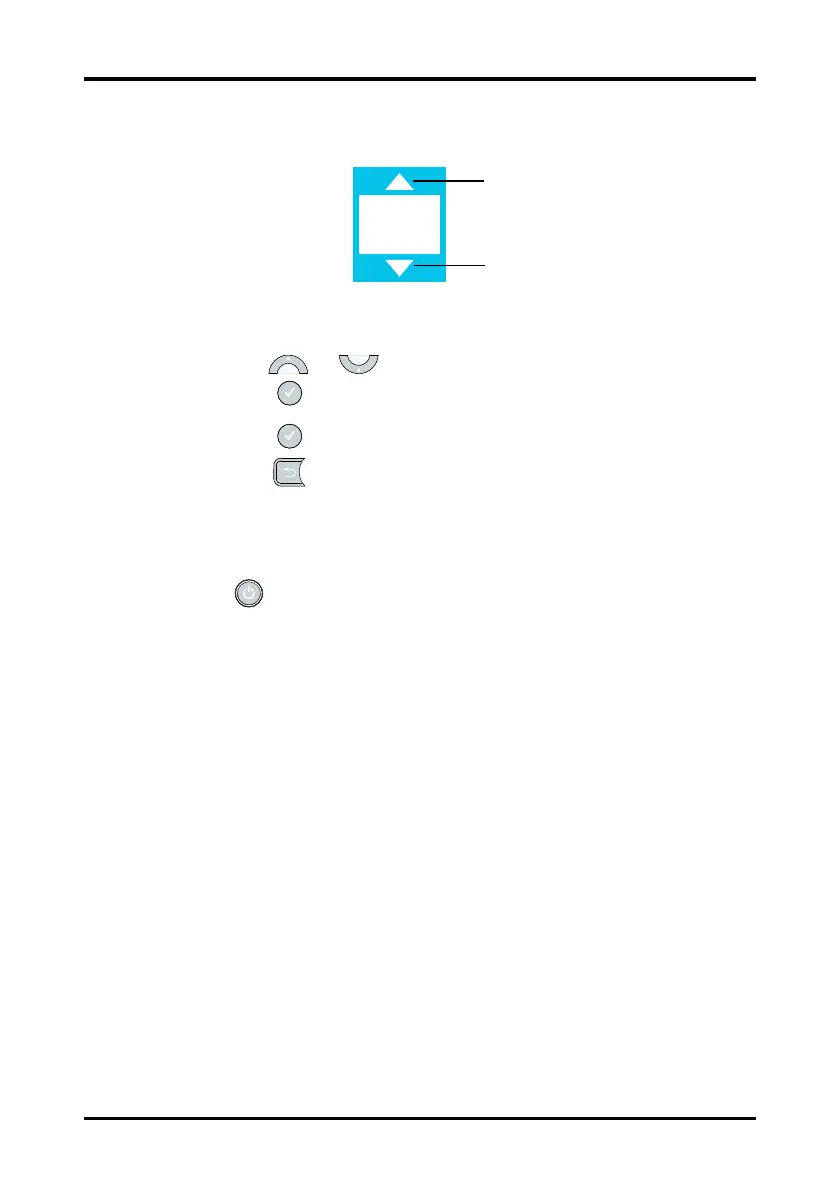
3. If an option can be configured, the choice place will have up and down arrows, as
indicated in Figure 3-5.
Figure 3-5 Configuring an Option
4. Use the or key to scroll the choices.
5. Press the key to select the appropriate choice when it displays.
6. Press the key to save the setting.
7. Press the key to exit the menu.
3.6.3 Turning the Display Off
You can manually turn the display off, or let the display automatically turn off based on
the configured timeout.
Press the key to manually turn the display off.
If no hard key is pressed within the configured period of Display Auto Off, the screen will
turn off after the time is reached. For details about configuring the time for Display Auto
Off, refer to "Configuring the Display Auto Off" on page 4-2.
3.6.4 Turning the Display On
If the screen is off, press any hard key to turn the display on.









 To Next Page