Monitoring NIBP Starting and Stopping Measurement
BP10 Operator’s Manual 6 - 9
6.7 Starting and Stopping Measurement
Refer to the following table to start or stop measurements in various modes.
6.8 Understanding the NIBP Display
6.8.1 Digital Area
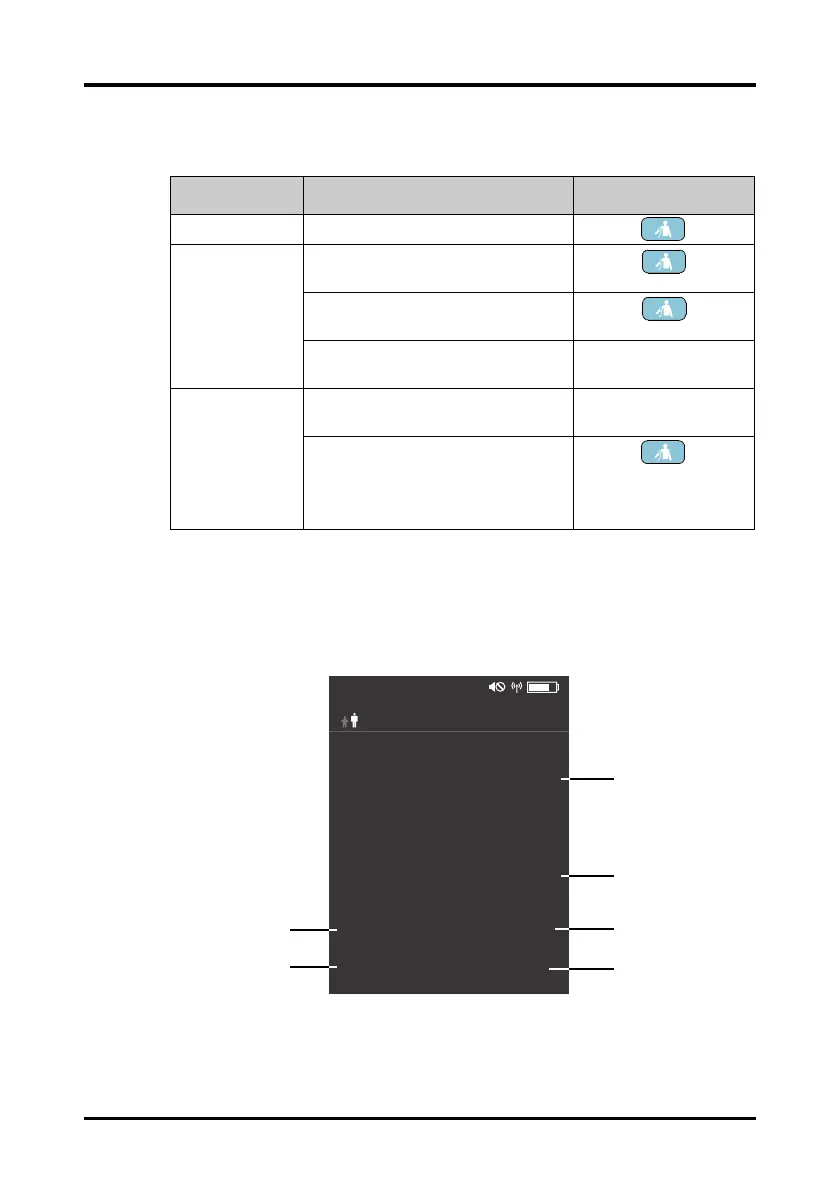
The following figure illustrates the elements in the measurement screen.
1. Systolic pressure
2. Diastolic pressure
Modes Tasks Actions
Manual mode Start or stop a manual measurement. Press the
key.
Automatic,
Sequence or ABPM
modes
Start the series measurements in
automatic, sequence or ABPM mode.
Press the key.
Stop current measurement in automatic,
sequence or ABPM mode.
Press the key.
Cancel the series measurements in
automatic, sequence or ABPM mode.
Select Stop All in the
main menu.
Continuous mode Start the series measurements in
continuous mode.
Select
NIBP STAT in the
main menu.
Cancel the series measurements in
continuous mode.
Press the
key.
or
Select
Stop All in the
main menu.
mmHg
120
80
72
(84)
SYS
DIA
MAPPR
BPM
@ 10:00 PM 00:00:05
2015/08/08
NIBP-001
Sequence:P1
10:03 PM









 To Next Page