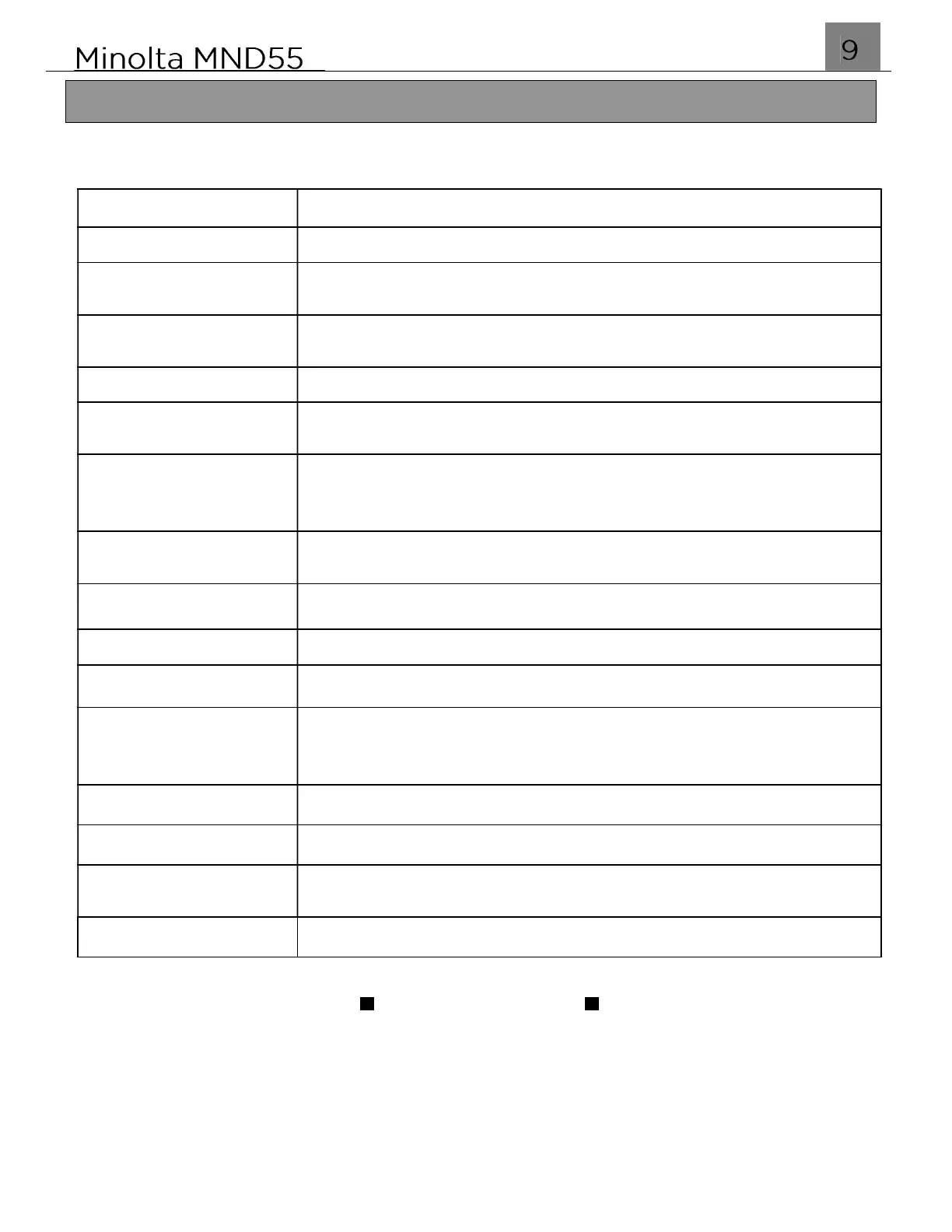
1.2 Buttons and Operation Overview
Name: Function:
Pop-Up Flash
Open the flash door manually by pushing up
Speaker
Built-in speaker plays button press sounds and other
video playback sounds
Microphone
Built-in Microphone to capture audio during a video
recording
Lens
Front objective lens for photo and video capture
52mm Threading
The front lens has a 52mm diameter threading for
compatible filters and attachments.
Zoom Lever
In Photo or Video Mode: Lever for T(ele) and W(ide)
buttons for digital zooming in and zooming out
In Playback: Lever to zoom in on the image displayed
Photo Capture
Button to autofocus and capture a photo
Video Capture
Button to enter Video mode and to start/stop recording
Power
Button to power the camera on or off
Scene Mode Dial
Turn the dial to enter all of the various shooting modes
Status LED
Blinking Blue: Recording Video
Single Blue Blink: Photo Captured
Solid Red: Battery is charging
Display (Button)
Button to disable on screen icons or turn off display
ISO
Button to set the sensitivity of the camera sensor
USB-C Port
Port for charging battery, transferring photos to a PC, or
using your camera as a PC Camera
Playback (Button)
Button to enter Playback mode
CONTINUED
Getting Started



 To Next Page