2.5 Capturing a Video One Touch Movie Capture
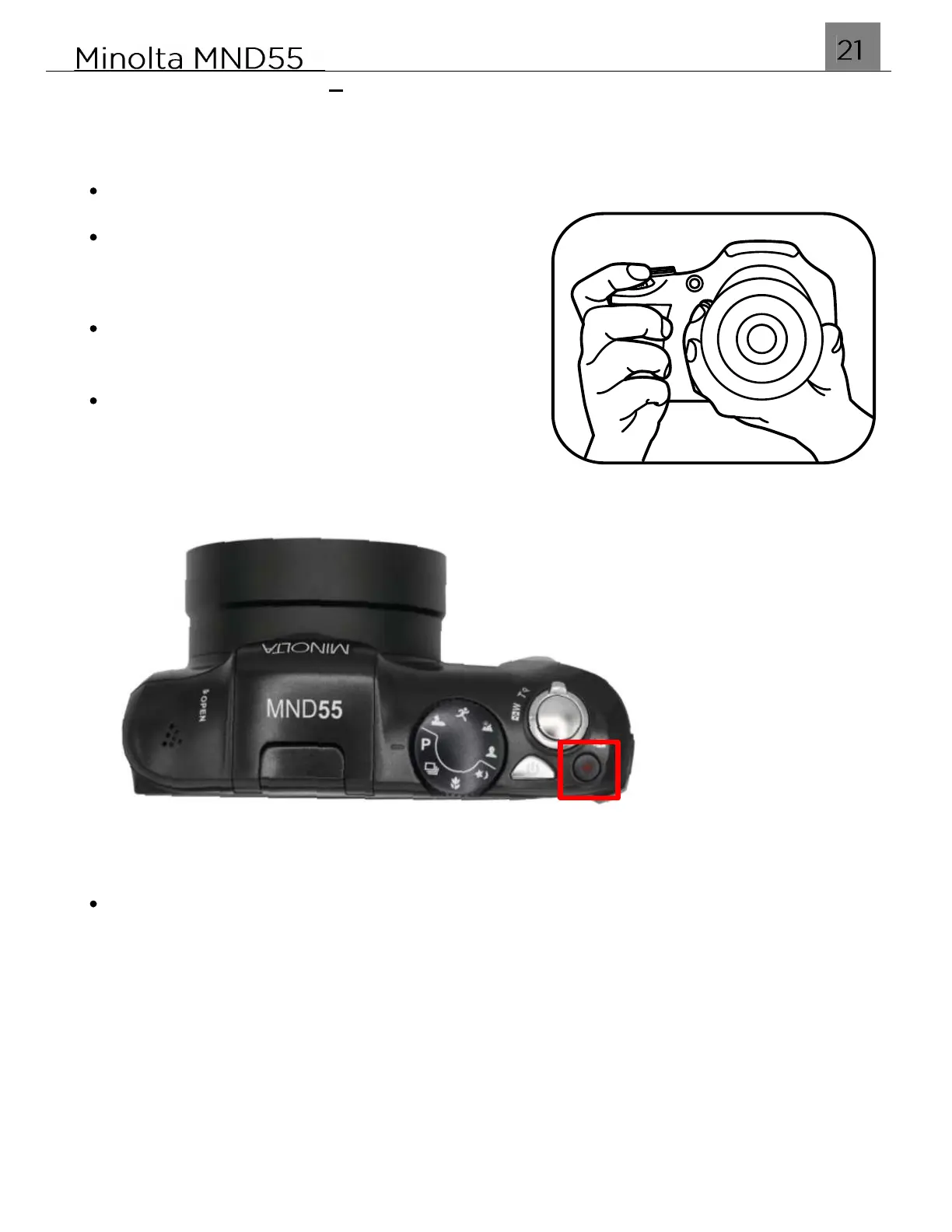
The MND55 includes a one touch movie capture button. A single press of the VIDEO
button will put the camera in Video mode to begin recording a video clip.
Hold the camera with both hands
Point the lens toward the object you want to
take recording and then frame it with the LCD
monitor.
Use the ZOOM lever to select Tele or Wide
positions to zoom in or out on your subject.
Press the VIDEO hotkey shown in the figure
below. Once pressed, the camera will go into
Video mode. Press the VIDEO hotkey again
automatically begin recording a video clip.
To stop recording, press the VIDEO button.



 To Next Page