5.1.1 Wi-Fi and Smartphone App Guide
The figures provided in this user manual will offer a simple guide and explanation of
ELook Pro ELook Pro
periodically and the version displayed on your smartphone may differ slightly than
the figures shown in this user manual.
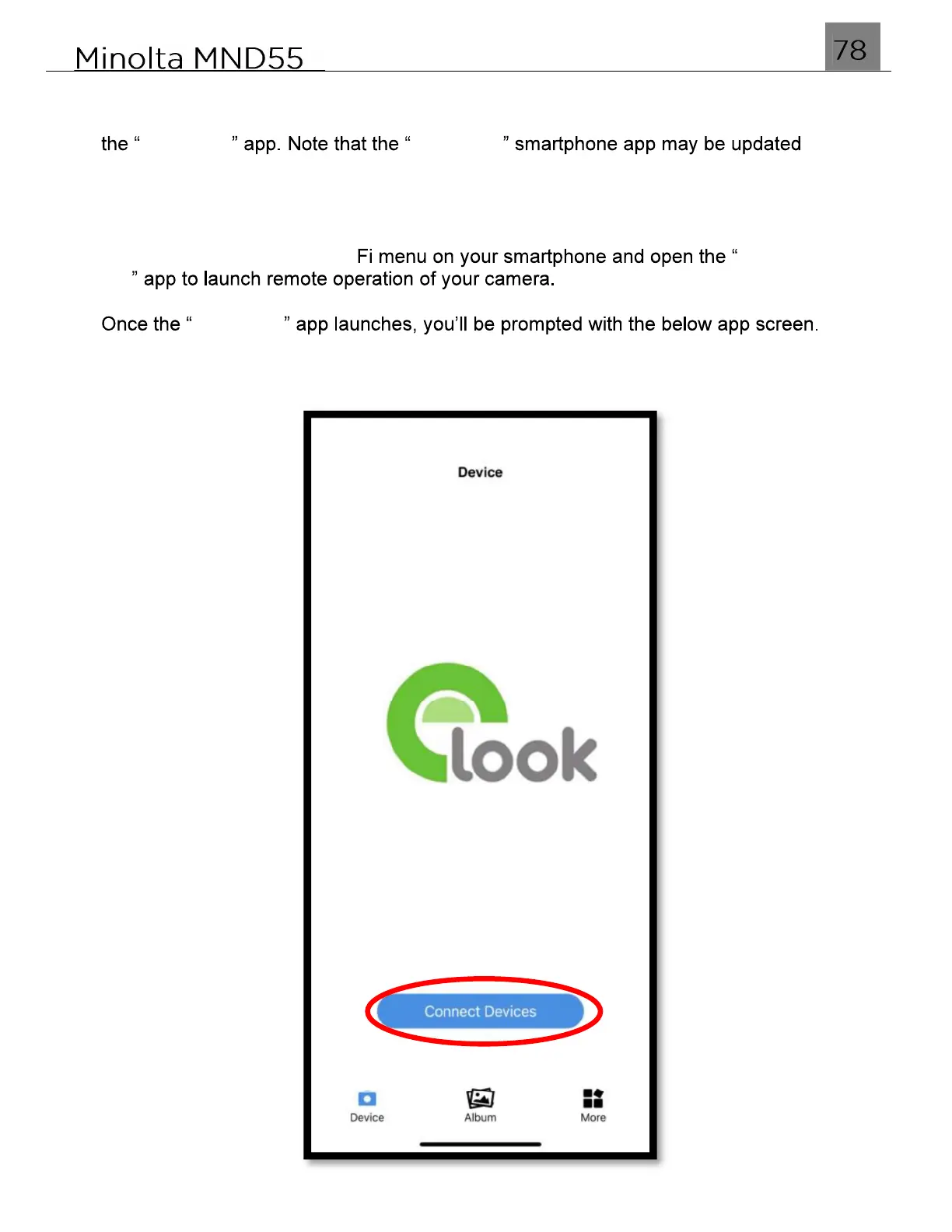
After following the instructions on enabling Wi-Fi on your MND55 and connecting to
your smartphone, exit the Wi- E-Look
Pro
ELook Pro
Tap Connect Devices on your screen and your camera should connect
automatically and display a live video feed.



 To Next Page