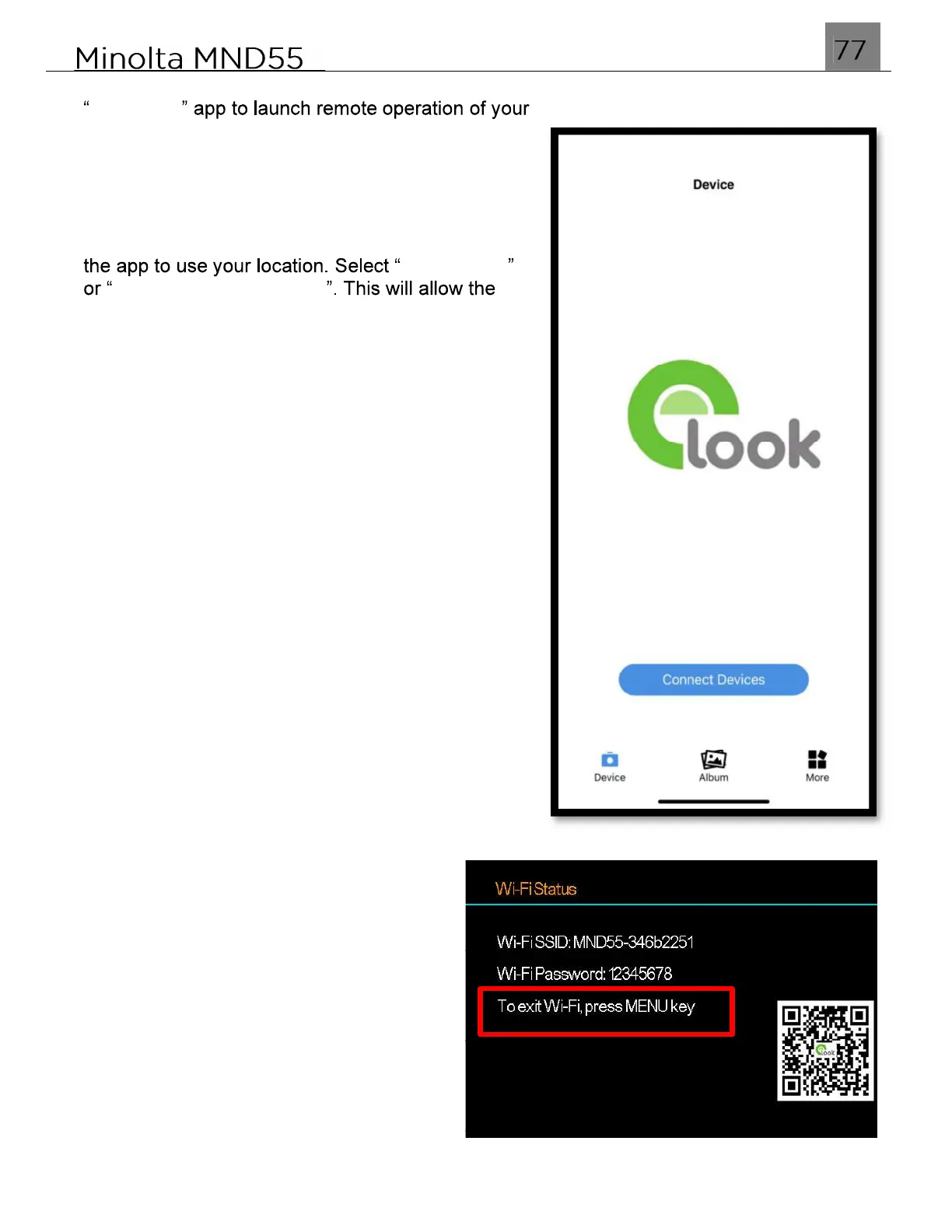
Once connected successfully, exit the Wi-Fi menu on your smartphone and open the
ELook Pro camera.
NOTE: When first launching the app on your
Apple smartphone, you may be prompted to allow
Allow Once
Allow While Using App
app to communicate with your camera and will
allow the app to work properly. The app will not
operate properly with your camera if you select
"Don't Allow".
As part of the iOS operating system, your
smartphone's Location Settings must be enabled
in order to allow proper communication between
your smartphone and your Minolta camera. If not
enabled, it will prevent your camera from
connecting to the ELook Pro app.
To exit Wi-Fi mode on your camera,
press the MENU button. Press the MENU
button again to exit setting and your
camera will return to the main shooting
screen.



 To Next Page